
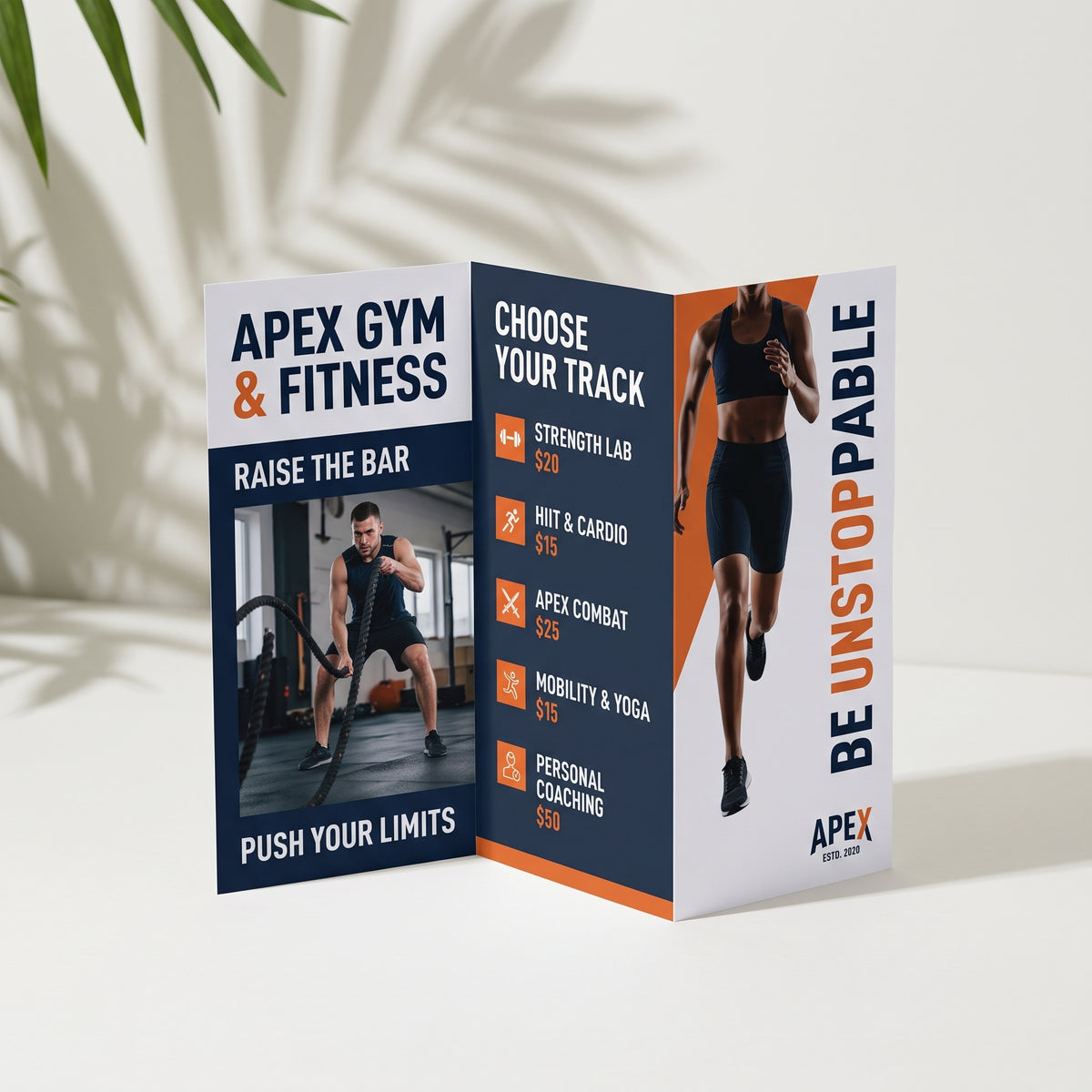
Z-fold Brochure
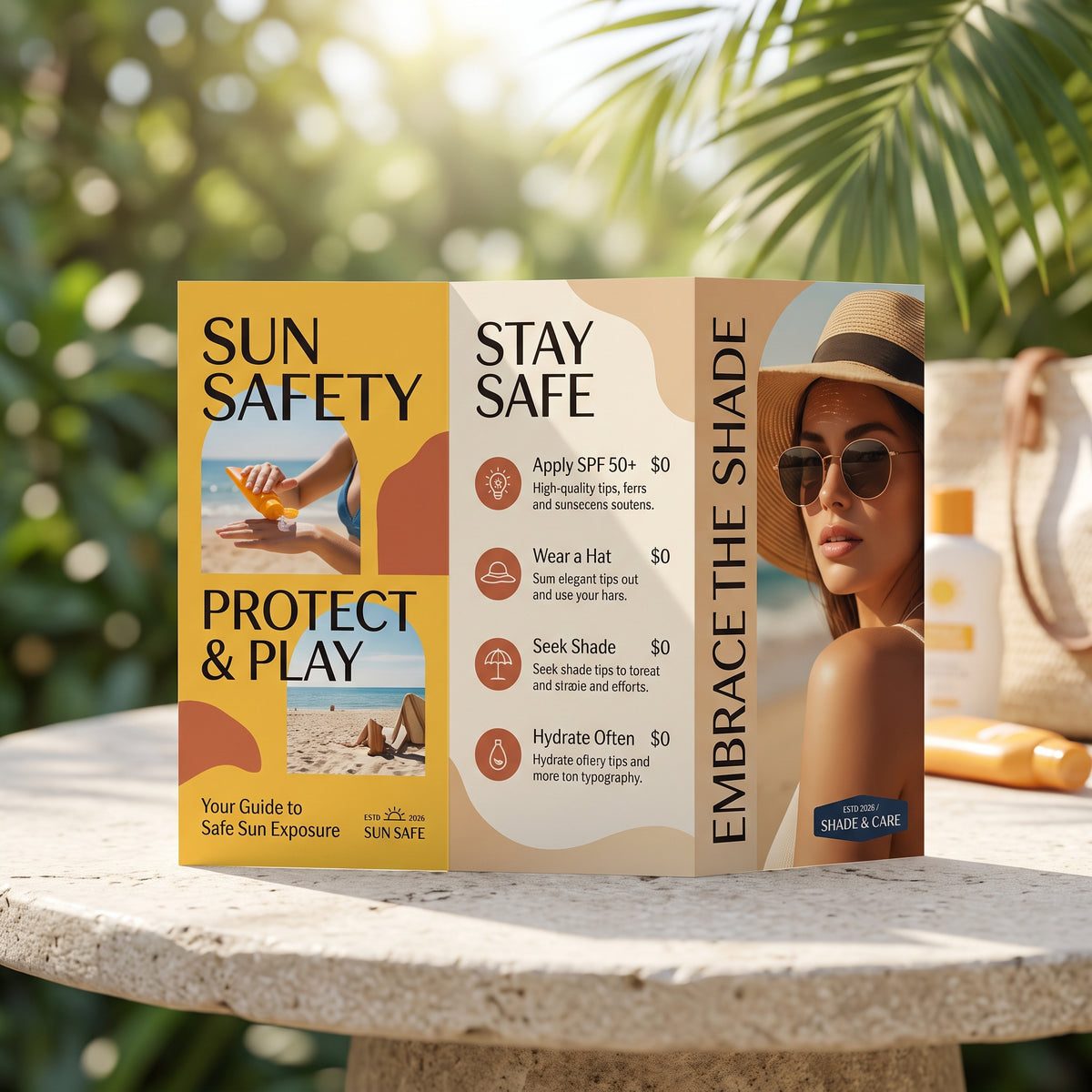
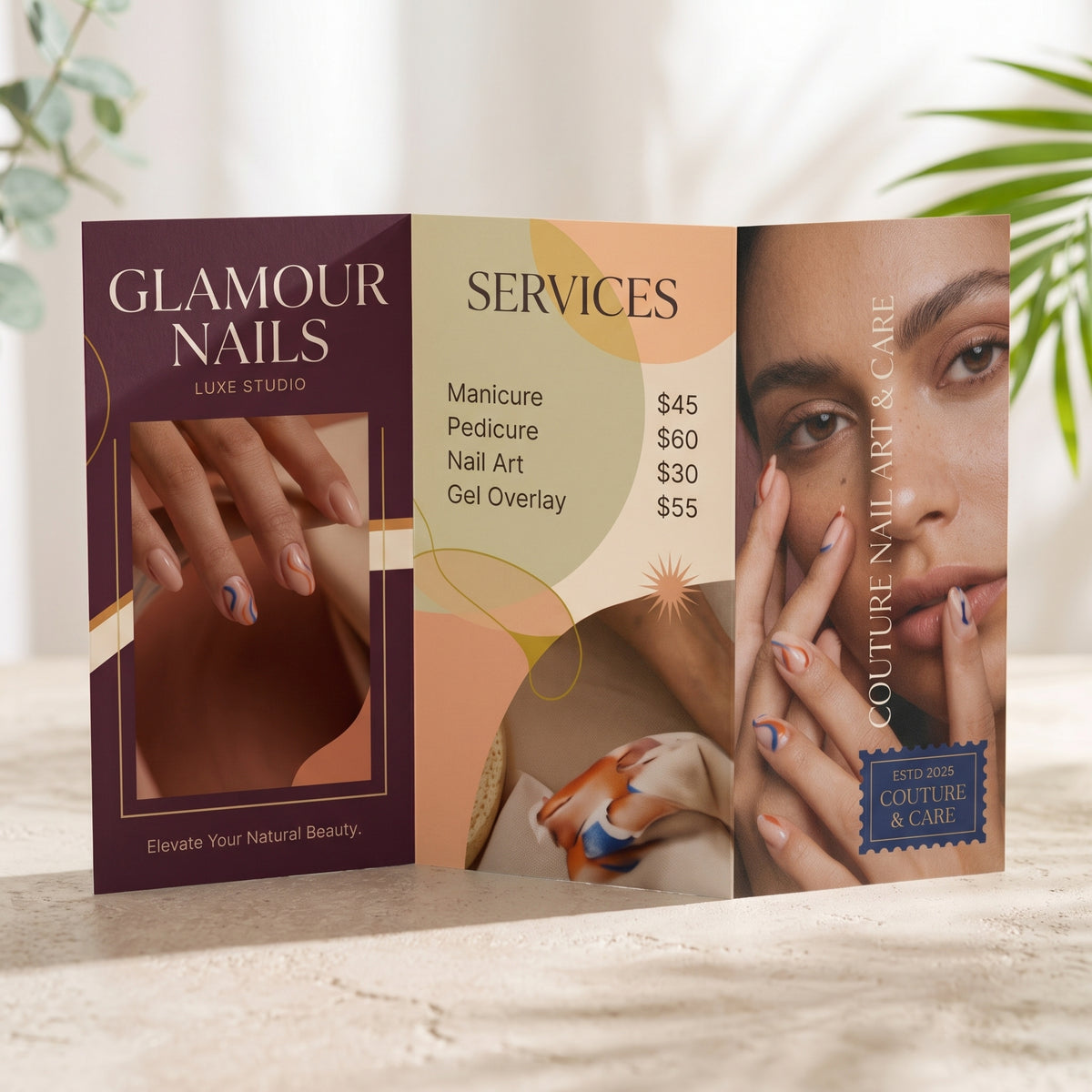
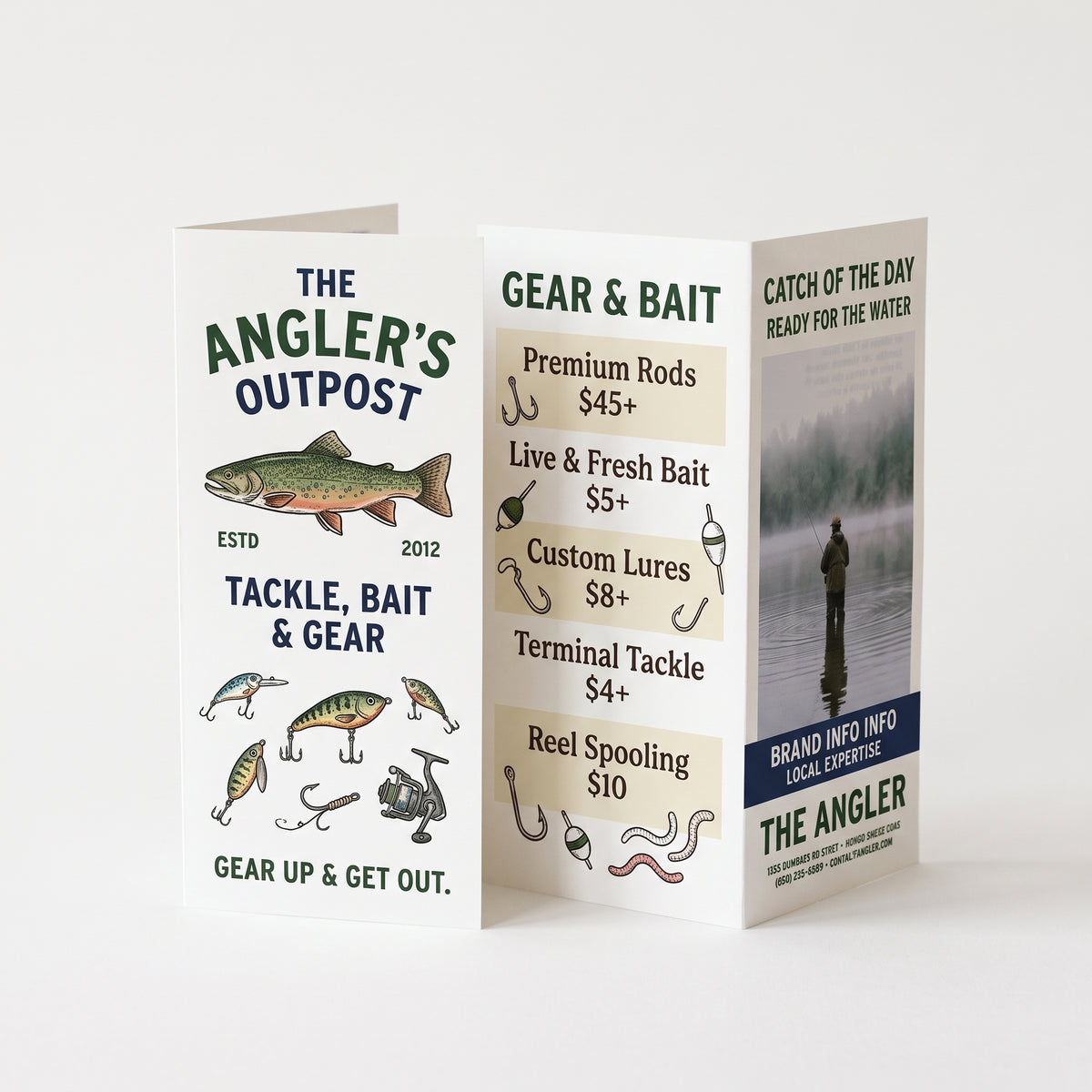
Z-fold brochures fold A4 into three equal panels that open out like a zig-zag, to a neat DL size that fits brochure stands, envelopes and pockets. Great for maps, timetables, step-by-step guides, event programs and menus.
1Your artwork
We create 2–3 concept designs for you to choose from, then finish your pick print-ready with bleed. Your PDF proof arrives within 2 working days of choosing a concept, with 2 rounds of changes included (further changes are charged at our hourly rate). Please check the spelling on your proof carefully, as we don’t spell-check. Printing starts once you approve the proof.
PDF max 20MB
Logo, photo or images optional · PDF, PNG or JPG · max 20MB
Full bleed: add 3 mm bleed on all four sides and keep text 3 mm inside the trim. 300 DPI, CMYK. Supply 2 pages: page 1 = outside, page 2 = inside, both as flat A4 with bleed (216 × 303 mm). Mark your fold lines in a separate layer or let us know if unsure.
2Choose your options
Fold
Printed full colour on both sides, 120gsm gloss.
Want them flat? See our flat flyers.
3Check and add to cart
File check
Before printing we check your file’s size, bleed, resolution and colour setup, and contact you if anything needs fixing. Spelling and wording aren’t checked.
Tumby Bay Print does not check files for spelling, image quality, or sizing. Reprints caused by the supplied file will be charged.
Choose options
Before you upload
Getting your file ready
Z-fold brochures are printed flat on A4, trimmed, then folded into three equal panels that open out like a zig-zag, to DL size (99 × 210 mm). That gives you six panels, with the front cover on one side and the back cover on the other. Four quick checks and your brochures will come out just the way you pictured them. Not sure about something? Ask us and we'll gladly take a look.
Make sure your file is 303 × 216 mm
This is the size before we trim it to flat A4, 297 × 210 mm, and fold it into three to DL (99 × 210 mm). The extra 3mm on every side is called bleed. Stretch your background right to the edge of your file, so no white line shows after trimming.
Set it up flat, with 2 pages
Lay your file out landscape and flat, not as separate DL pages. Page 1 has the front cover on the right. Page 2 has the back cover on the right. All three panels are the same width, 99 mm, so each side reads left to right when it's opened out.
Keep text away from the edges and folds
Keep words, logos and contact details at least 3mm in from the cut line and 5mm either side of each fold. A tiny bit of movement is normal when cutting and folding, so this stops anything important getting clipped or lost in a crease.
Upload a PDF
Save as a 2-page PDF, up to 20MB, with your fonts embedded. Use 300 dpi images and CMYK colour. Leave off any crop marks or fold lines, or they'll print on your brochures. We fold it for you.
Start from a free Canva template
Already set to 303 × 216 mm with the bleed, cut line and folds marked, so you just add your design and save as a PDF.
Paper and finish
There's nothing to choose here. Every Z-fold brochure is printed the same way, so you just pick your quantity in step 2.
120gsm gloss Full colour, both sides
A light, glossy stock that folds neatly and makes colours and photos pop. Printed on both sides, trimmed, then machine folded into a zig-zag.
Great for
- Maps, timetables and step-by-step guides
- Service guides and product information
- Programs for events and services
- Takeaway menus, brochure stands and mail outs
No artwork yet? Choose “Custom design” in step 1 and we'll design it for you. Need a hand? Contact the TB Print team.
Quick answers
Common questions
Can't see your question? Call us on 08 8688 2115 or send us a message.
What size should my file be?
Make your file 303 × 216 mm, landscape. This is the size before we trim it to flat A4 (297 × 210 mm) and fold it into a zig-zag to DL (99 × 210 mm). The extra 3mm on every side is called bleed, so stretch your background right to the edge of your file. Keep your text and logos at least 3mm in from the cut line and 5mm away from each fold.
Which page goes where?
Your PDF needs 2 flat pages, each split into three panels. Page 1 has the front cover on the right, and page 2 has the back cover on the right. When it's opened out, each side reads left to right. Please don't send six separate DL pages, as they can't be printed this way.
What's the difference between a Z-fold and a tri-fold?
Both fold A4 into three panels to DL size. A Z-fold folds back and forth like a zig-zag, so it opens out flat in one go and all three panels are the same 99mm width. It's great for maps, timetables and anything that reads across the page. A Tri-fold Brochure folds both ends in like a letter, which suits menus and information brochures.
What paper do you use?
All Z-fold brochures are printed in full colour on both sides on 120gsm gloss, then trimmed and machine folded into a zig-zag. It's a light, glossy paper that folds neatly and makes colours and photos stand out.
Do I need to add fold lines to my file?
No. We fold every brochure for you. Please leave off fold lines and crop marks, or they'll print on your brochures. Just keep each panel 99mm wide and keep important text 5mm away from each fold so nothing disappears into a crease.
Can you check my file before printing?
Yes. Choose “Check my file” in step 3 and we'll check your file's size, bleed, resolution and colour setup before printing, and contact you if anything needs fixing. We don't check spelling or wording. If you skip the check, your brochures are printed exactly as supplied, and a reprint caused by something in the file is charged.
I don't have a design yet. Where do I start?
We have a free Z-fold Canva template in “Getting your file ready” above. Open it, add your details and download it as a PDF, then upload it in step 1. Or choose “Custom design” in step 1 and we'll design your brochure for you. Please check your spelling carefully before you order, as we print exactly what you send.
How do I use your free Canva template?
The template is already set to the right size with the 3mm bleed included, so you just add your design.
- Click Z-fold template in “Getting your file ready” above.
- Click Use template in Canva. You'll need to log in or create a free Canva account. This saves your own copy to your Canva account, so you can come back to it any time.
- Delete the TB Print instructions box on page 1, plus the blue panel names and blue dotted fold lines on both pages. They're only there to guide you. The purple guide lines don't print, so you can leave those.
- Add your design. Page 1 has the front cover on the right and page 2 has the back cover on the right. Keep words and logos 3mm in from the edge and 5mm away from the folds.
- Click Share, then Download, and choose PDF Print. Leave “Crop marks and bleed” unticked, then click Download.
- Upload your PDF in step 1 at the top of this page.
Do you do other folds?
Yes. A Tri-fold Brochure folds both ends in like a letter, and a Bi-fold Brochure folds A4 in half to A5 for four larger panels. Want them flat instead? See our DL Flyers.
How will my brochures get to me?
All orders are printed and sent from our shop in Tumby Bay with Australia Post, Australia wide. Orders placed on weekends and public holidays are processed on the next working day. We don't offer weekend or next-day delivery.
What if something's wrong with my order?
If your brochures arrive damaged, we made a mistake, or you received the wrong item, we'll reprint, replace or refund them. We can't offer refunds for a change of mind, mistakes in the file you supplied such as typos or low-resolution images, or options chosen incorrectly at checkout. Please contact us and we'll sort it out.
Frequently Asked Questions
To ensure clear, professional results, always upload your file in high resolution.
We accept the following file types:
- PDF (recommended)
- .png (minimum quality 300DPI)
For Microsoft Word or Publisher files, saving as a PDF is recommended to prevent layout shifts.
2) Printing Responsibility
Customers are responsible for ensuring that all artwork, designs, and files are correct and meet the required specifications.
3) File Readiness & Compatibility
Please make sure your file is print-ready before uploading.
Files that are corrupted, damaged, password-protected, or in unsupported formats may not be printed.
However, we do not refund for print errors caused by file corruption and do not cover freight costs for reprints.
4) Fonts, Logos & Symbols
Ensure all fonts, logos, signatures, and symbols are fully embedded in your file.
If these elements are not embedded, they may appear incorrectly or not print at all.
5) Colour Format
Use CMYK colour settings to help ensure your print colours match what you see on screen.
Files in RGB may appear differently once printed.
6) Trim Marks
Please remove any trim or registration marks from your file before submitting.
If included, these marks will be printed on the final product.
Flat flyers are printed on 120gsm or 200gsm gloss. Folded flyers and brochures are printed on 120gsm gloss so they fold cleanly. Everything is full colour with full bleed. Need plain paper? See our A4 and A5 copy printing.
Our flyers are printed and then cut to size. This means your print will extend to the edge creating a professional look.
We want you to be satisfied with your order. Below are the situations where refunds, replacements, or reprints may or may not be offered.
Refunds or Replacements may be Provided When:
Product is Damaged: If your item arrives damaged or the print is flawed, we will gladly offer a refund, replacement, or reprint.
Printing Errors Caused by Us: If there's a mistake in the design, sizing, or layout due to our error, we’ll correct it with a reprint or refund.
Incorrect Items Received: If you receive the wrong product or if it differs significantly from what was ordered, we’ll make it right.
Refunds may Not be Provided When:
You Change Your Mind: We do not offer refunds for orders canceled due to a change of heart after purchase.
Customer Errors in Submitted Files: Refunds are not available for typos, low-resolution images, or design issues that were approved during proofing.
Wear and Tear Over Time: Prints may naturally fade or degrade with use, which is not considered a defect.
Incorrect Selections by the Customer: Choosing the wrong size, color, or style at checkout is not eligible for a refund or replacement.