Envelopes
Create a polished, professional finish with custom printed envelopes. Perfect for invoices, statements, invitations, marketing materials and everyday business mail.
1Your artwork
PDF or PNG max 20MB
300 DPI minimum, set up in CMYK. Printed on one side only.
2Choose your options
Size
Facing
3Check and add to cart
File check
Before printing we check your file’s size, resolution and colour setup, and contact you if anything needs fixing. Spelling and wording aren’t checked.
Tumby Bay Print does not check files for spelling, image quality, or sizing. Reprints caused by the supplied file will be charged.
Choose options
Before you upload
Getting your file ready
Envelopes are printed on the front, in full colour or black & white. Four quick checks and your envelopes will come out just the way you pictured them. Not sure about something? Ask us and we'll gladly take a look.
Make your file the envelope size
Set your file up at the finished size of your envelope, like 220 × 110 mm for DL. Envelopes are already made, so they can't be printed right to the edge and there's no bleed. See all the sizes below.
Keep 12mm clear around the edge
Keep all text and logos at least 12mm in from every edge. Anything closer may not print, or can end up crooked or cut off. Leave plain white around the outside rather than a coloured background.
Check which way is up
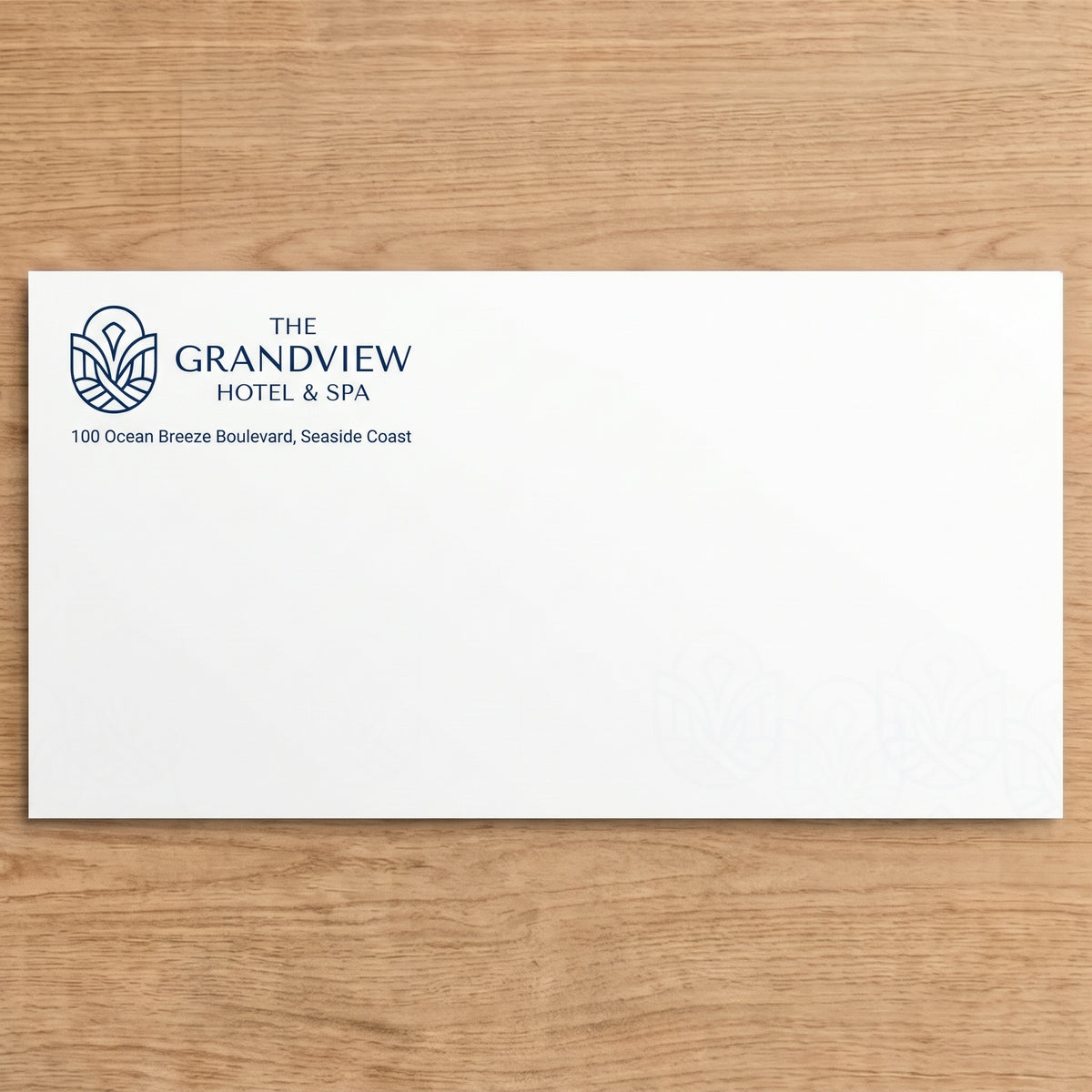
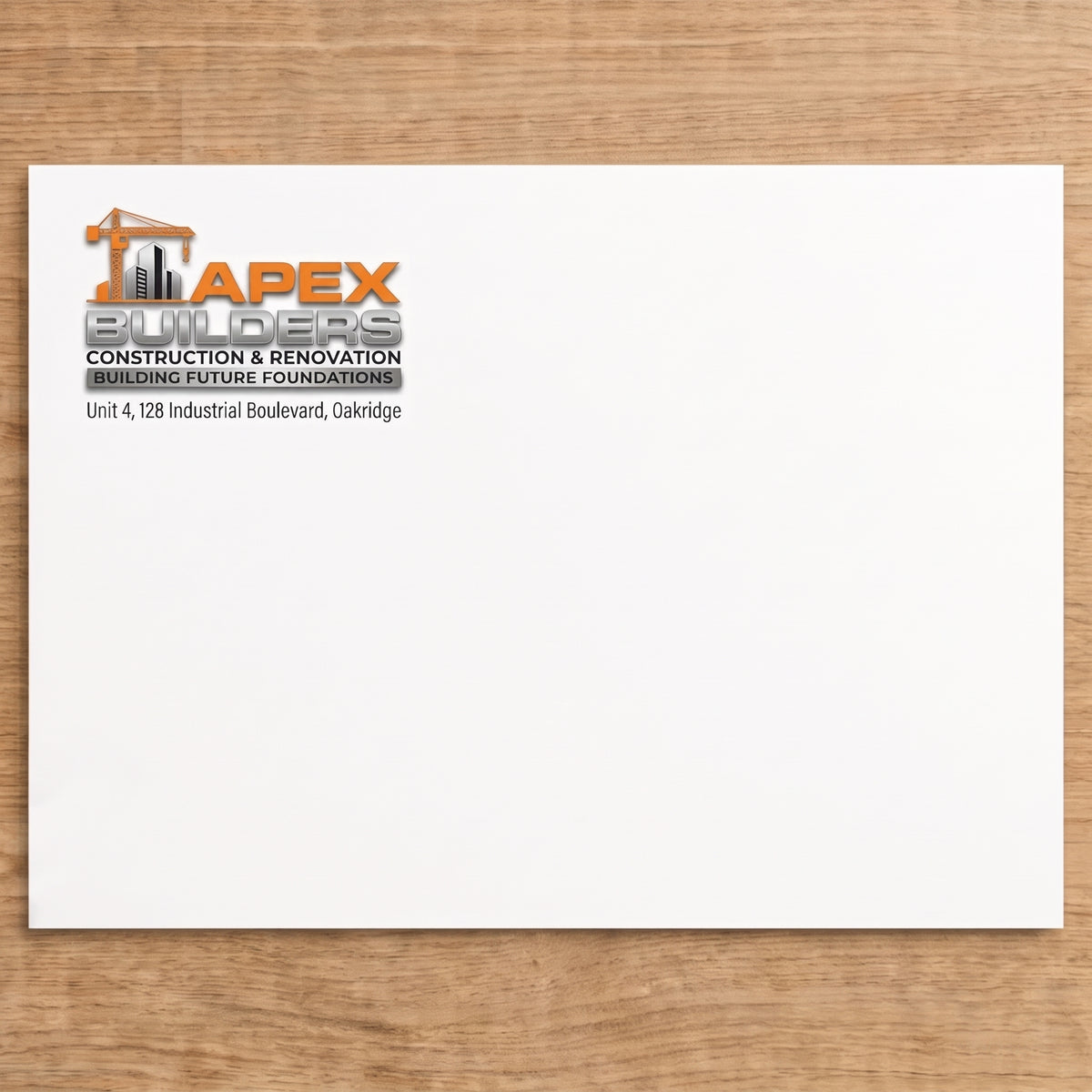
We print on the front of the envelope, the side without the flap. Our Canva templates show which edge the flap is on, so your design comes out the right way up. Most people put their logo and return address in the top left corner.
Upload a PDF or PNG
Save as a single-page PDF or PNG, up to 20MB. Use 300 dpi images and CMYK colour. Leave off any crop marks or bleed, or they'll print on your envelopes.
Start from a free Canva template
Already set to the right envelope size with the 12mm safe zone and flap edge marked, so you just add your design and download it as a PDF.
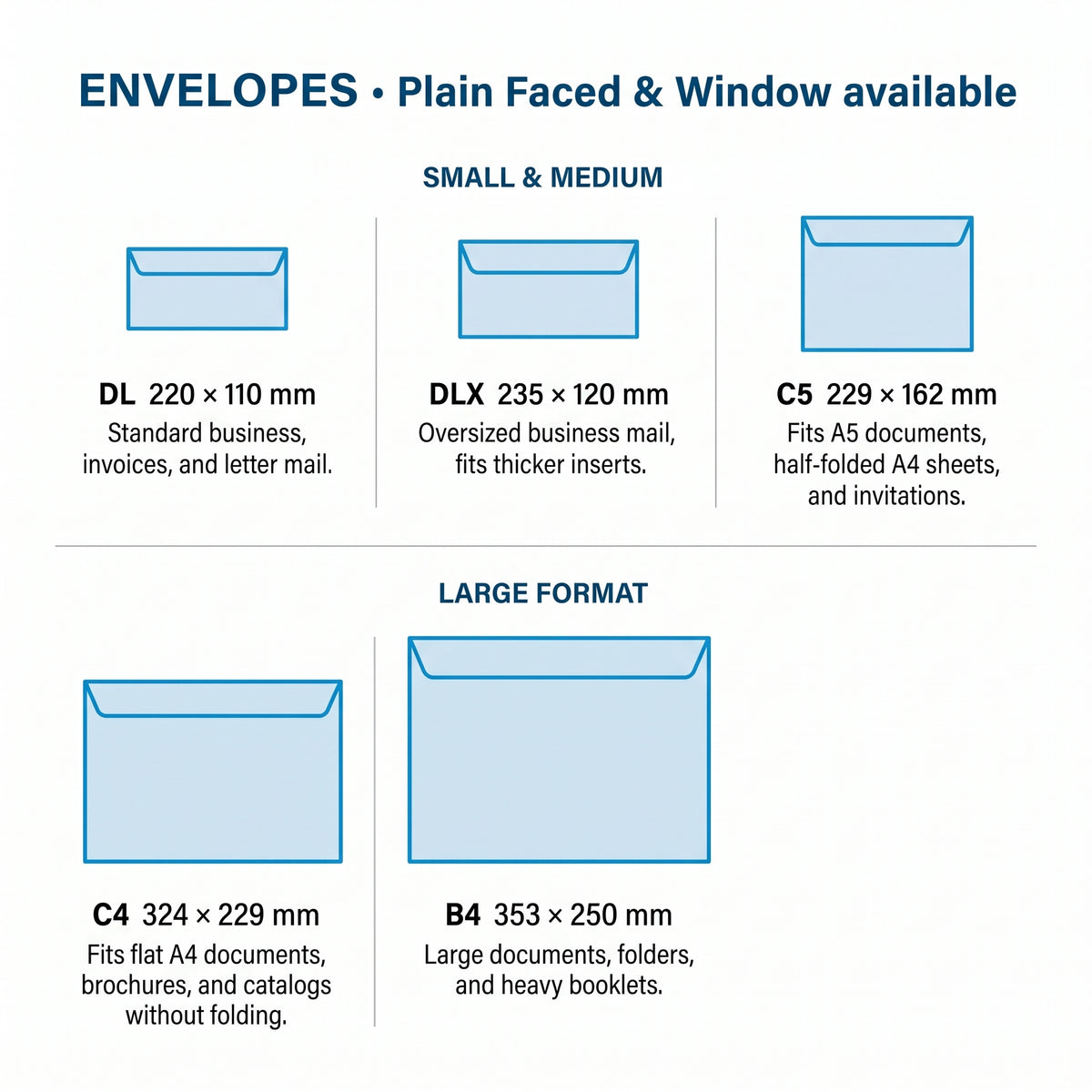
Envelope sizes
Make your file exactly this size. Window faced is available on DL only.
| Size | File size | Good for |
|---|---|---|
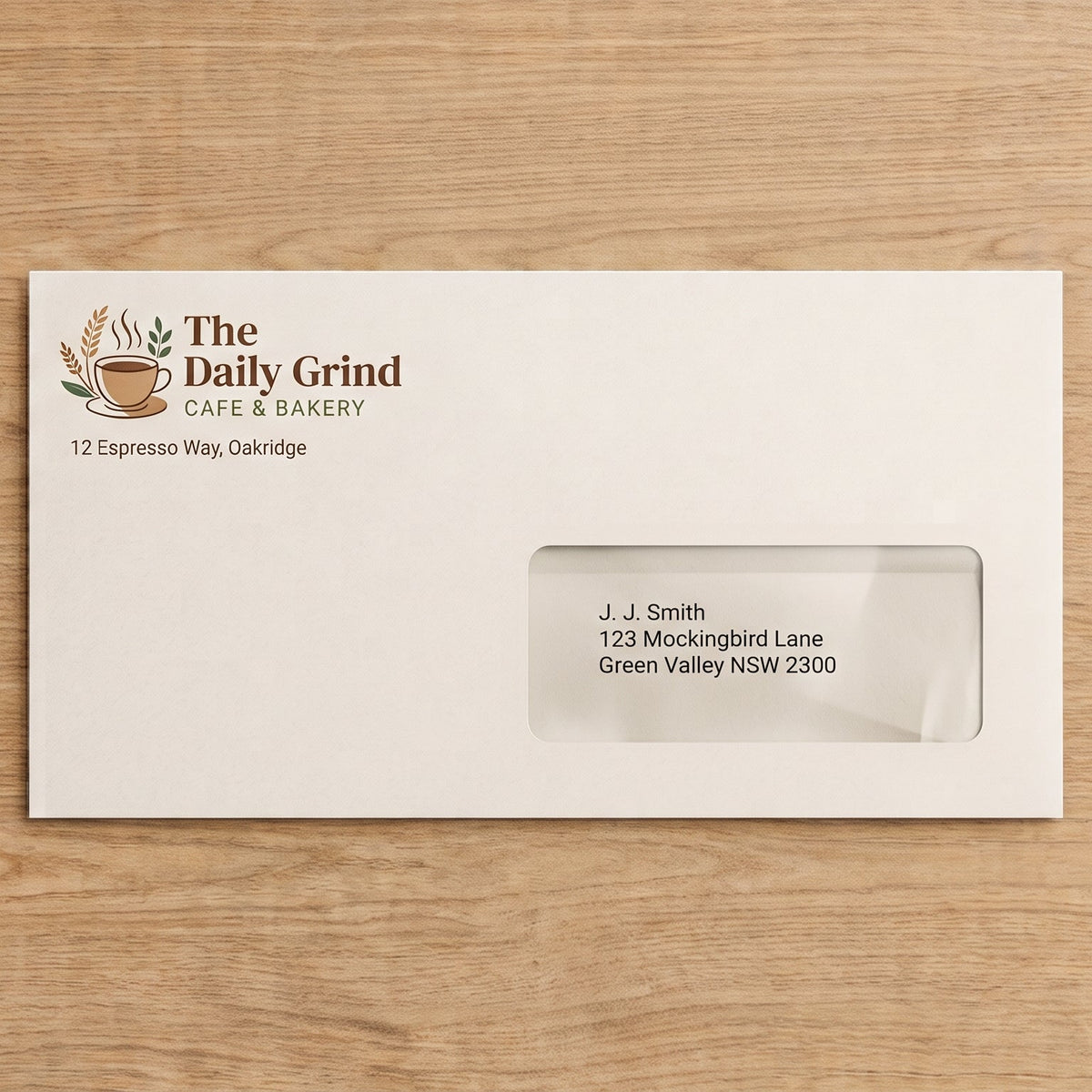
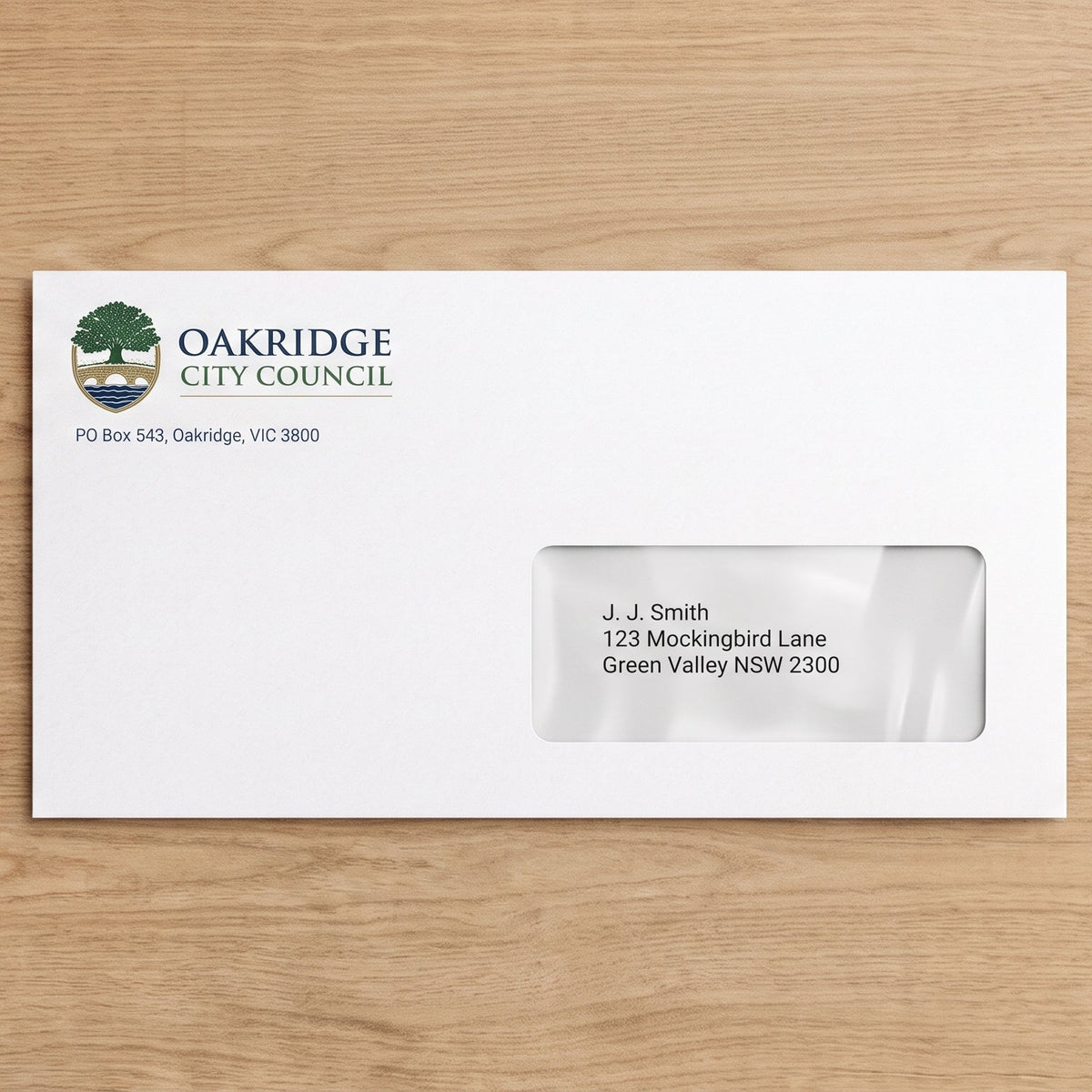
| DL | 220 × 110 mm | Letters and invoices folded in three. Plain or window faced. The window is 95 × 28 mm, 32mm from the left and 16mm from the bottom. |
| DLX | 235 × 120 mm | A little roomier than DL, for thicker folded letters. |
| C5 | 229 × 162 mm | A4 folded in half, A5 flat, cards and invitations. |
| C4 | 324 × 229 mm | A4 flat, with no folding. |
| B4 | 353 × 250 mm | Thicker A4 documents, catalogues and reports. |
Need a hand with your artwork? Contact the TB Print team or call 08 8688 2115.
Quick answers
Common questions
Can't see your question? Call us on 08 8688 2115 or send us a message.
What size should my file be?
Make your file the finished size of your envelope: DL 220 × 110 mm, DLX 235 × 120 mm, C5 229 × 162 mm, C4 324 × 229 mm or B4 353 × 250 mm. You can set C5, C4 and B4 up landscape or portrait. There's no bleed, so don't add any extra around the edges.
Why is there no bleed on envelopes?
Envelopes are already made and glued before we print them, so they aren't trimmed afterwards. That means we can't print right to the edge. Keep all text and logos at least 12mm in from every edge, and leave plain white around the outside rather than a coloured background.
Which side do you print on?
We print on the front of the envelope, the side without the flap, on one side only. Our Canva templates show which edge the flap is on, so your design comes out the right way up. Most people put their logo and return address in the top left corner and leave the rest clear for the address and stamp.
Can I get window envelopes?
Yes, window faced envelopes are available in DL. Choose “Window faced” under Facing in step 2. The window is 95 × 28 mm, sitting 32mm in from the left edge and 16mm up from the bottom. Keep all printing at least 5mm away from the window so the address shows through clearly. Our free DL window Canva template has the window marked for you.
Full colour or black & white?
Both. Choose Full colour for logos and branding in your own colours, or Black & white for a simple return address at a lower price. Your price updates straight away when you choose.
Do you have free Canva templates?
Yes, for every size: DL (plain or window), DLX, and C5, C4 and B4 in landscape or portrait. They're already set to the right size with the 12mm safe zone and flap edge marked, so you just add your design.
- Click the template button for your size in “Getting your file ready” above.
- Click Use template in Canva. You'll need to log in or create a free Canva account. This saves your own copy to your Canva account, so you can come back to it any time.
- Add your design. Keep words and logos inside the purple guide lines, 12mm in from the edge. Can't see them? Click File, then Rulers and guides, then Show rulers and guides (Shift+R).
- When you're finished, delete the TB Print instructions box, the “Flap on this edge” label and, on the window template, the pink window box. They're only there to guide you. The purple guide lines don't print, so you can leave those.
- Click Share, then Download, and choose PDF Print. Leave “Crop marks and bleed” unticked, then click Download.
- Upload your PDF in step 1 at the top of this page.
What file types can I upload?
Upload a single-page PDF or PNG, up to 20MB. Use 300 dpi images and CMYK colour, and leave off any crop marks or bleed, as they'll print on your envelopes.
Can you check my file before printing?
Yes. Choose “Check my file” in step 3 and we'll check your file's size, resolution and colour setup before printing, and contact you if anything needs fixing. We don't check spelling or wording. If you skip the check, your envelopes are printed exactly as supplied, and a reprint caused by something in the file is charged.
How many can I order?
You can order from 25 up to 2,000 envelopes online, and the price per envelope drops as you order more. Choose your quantity in step 2 and your price updates straight away. Need more? Contact us for a quote.
Can I get matching business cards and letterheads?
Yes. Use the same logo and colours on our Business and Loyalty Cards and Letterheads for a consistent look across all your business stationery.
How will my envelopes get to me?
All orders are printed and sent from our shop in Tumby Bay with Australia Post, Australia wide. Orders placed on weekends and public holidays are processed on the next working day. We don't offer weekend or next-day delivery.
What if something's wrong with my order?
If your envelopes arrive damaged, we made a mistake, or you received the wrong item, we'll reprint, replace or refund them. We can't offer refunds for a change of mind, mistakes in the file you supplied such as typos or low-resolution images, or options chosen incorrectly at checkout. Please contact us and we'll sort it out.
Please read
Customer Responsibilities
1) File Quality & Supported Formats
To ensure clear, professional results, always upload your file in high resolution.
We accept the following file types:
- PDF (recommended)
- For Microsoft Word or Publisher files, saving as a PDF is recommended to prevent layout shifts.
2) Printing Responsibility
Customers are responsible for ensuring that all artwork, designs, and files are correct and meet the required specifications.
We do not check files prior to printing, as the process is fully automated.
Any errors due to incorrect artwork or file setup will be the customer's responsibility.
3) File Readiness & Compatibility
Please make sure your file is print-ready before uploading.
Files that are corrupted, damaged, password-protected, or in unsupported formats may not be printed.
However, we do not refund for print errors caused by file corruption and do not cover freight costs for reprints.
4) Fonts, Logos & Symbols
Ensure all fonts, logos, signatures, and symbols are fully embedded in your file.
If these elements are not embedded, they may appear incorrectly or not print at all.
5) Colour Format
Use CMYK colour settings to help ensure your print colours match what you see on screen.
Files in RGB may appear differently once printed.
6) Business Card Sizes
Our standard business cards are 90mm x 55mm. For alternative sizes, please request a quote here
Due to minor paper movement during printing and cutting, we cannot guarantee exact centring down to the millimetre.
7) Trim Marks
Please remove any trim or registration marks from your file before submitting.
If included, these marks will be printed on the final product.
8) Order Finish & Quantities
Double-check your selected finish type and order quantities before checking out.
These settings are not reviewed or changed by our team, as the print process is automated.
Australia Wide Shipping with Auspost.
All orders are printed and shipped from our office in Tumby Bay, 5605.
Orders made during the weekend and public holidays will be processed on the next working day.
We do not offer Weekend Delivery Service or Next-Day Delivery.
Delivery time frames: https://auspost.com.au/content/dam/auspost_corp/media/documents/domestic-parcels-delivery-estimator.pdf
We want you to be satisfied with your order. Below are the situations where refunds, replacements, or reprints may or may not be offered.
Refunds or Replacements may be Provided When:
Product is Damaged: If your item arrives damaged or the print is flawed, we will gladly offer a refund, replacement, or reprint.
Printing Errors Caused by Us: If there's a mistake in the design, sizing, or layout due to our error, we’ll correct it with a reprint or refund.
Incorrect Items Received: If you receive the wrong product or if it differs significantly from what was ordered, we’ll make it right.
Refunds may Not be Provided When:
You Change Your Mind: We do not offer refunds for orders canceled due to a change of heart after purchase.
Customer Errors in Submitted Files: Refunds are not available for typos, low-resolution images, or design issues that were approved during proofing.
Wear and Tear Over Time: Prints may naturally fade or degrade with use, which is not considered a defect.
Incorrect Selections by the Customer: Choosing the wrong size, color, or style at checkout is not eligible for a refund or replacement.
canva templates
Not seeing what you're after?
Send us a quote here and we’ll help bring your idea to life!