


Corflute Signs
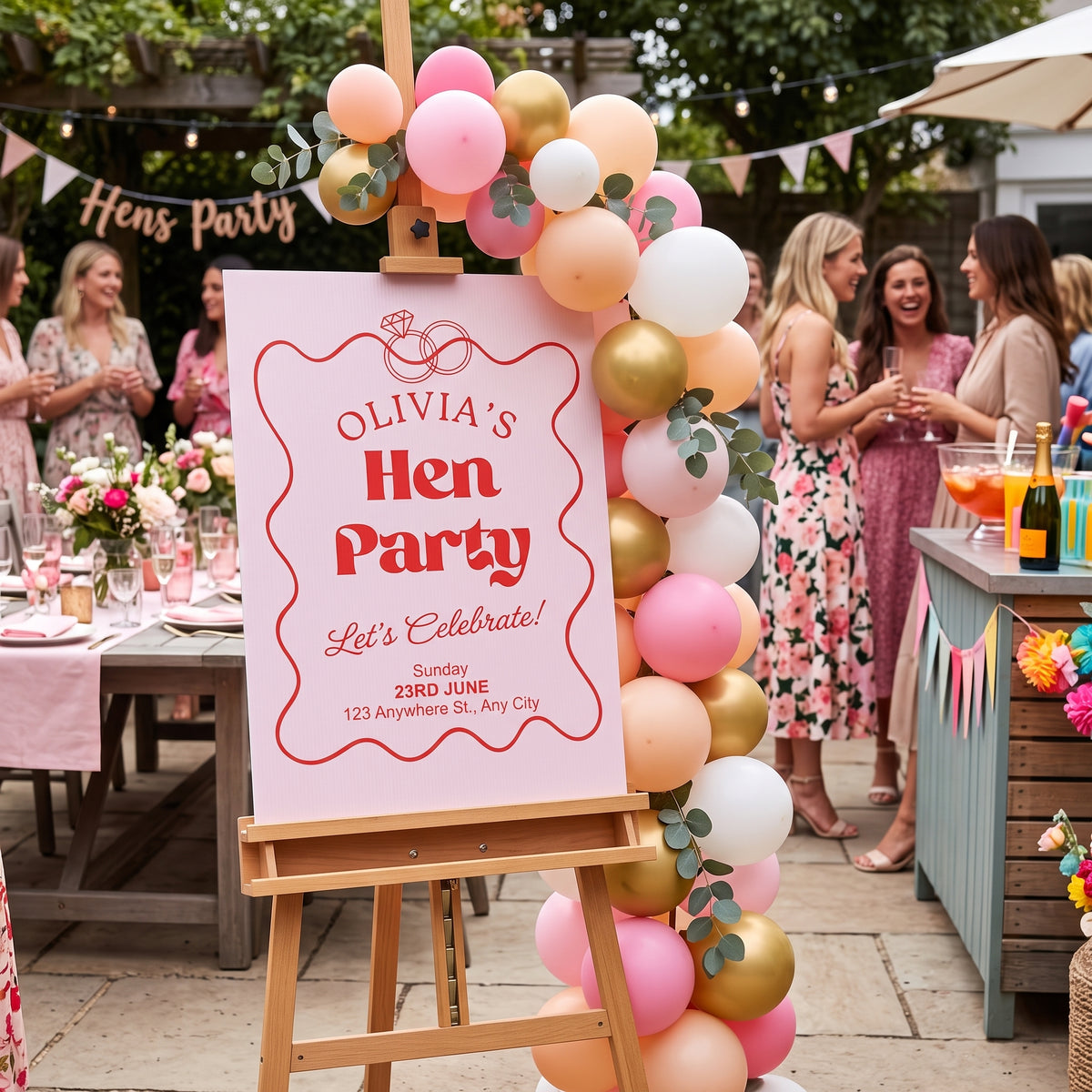
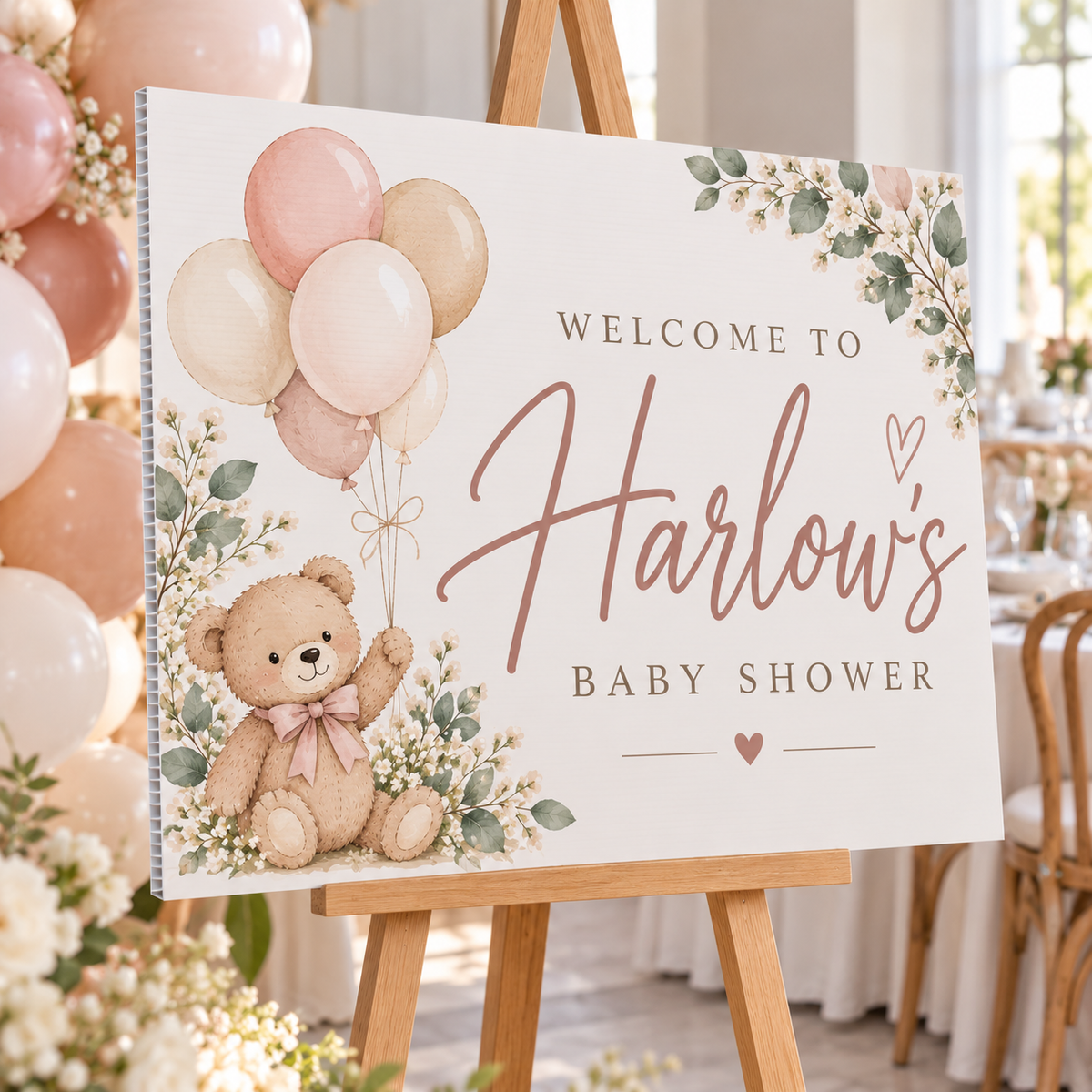
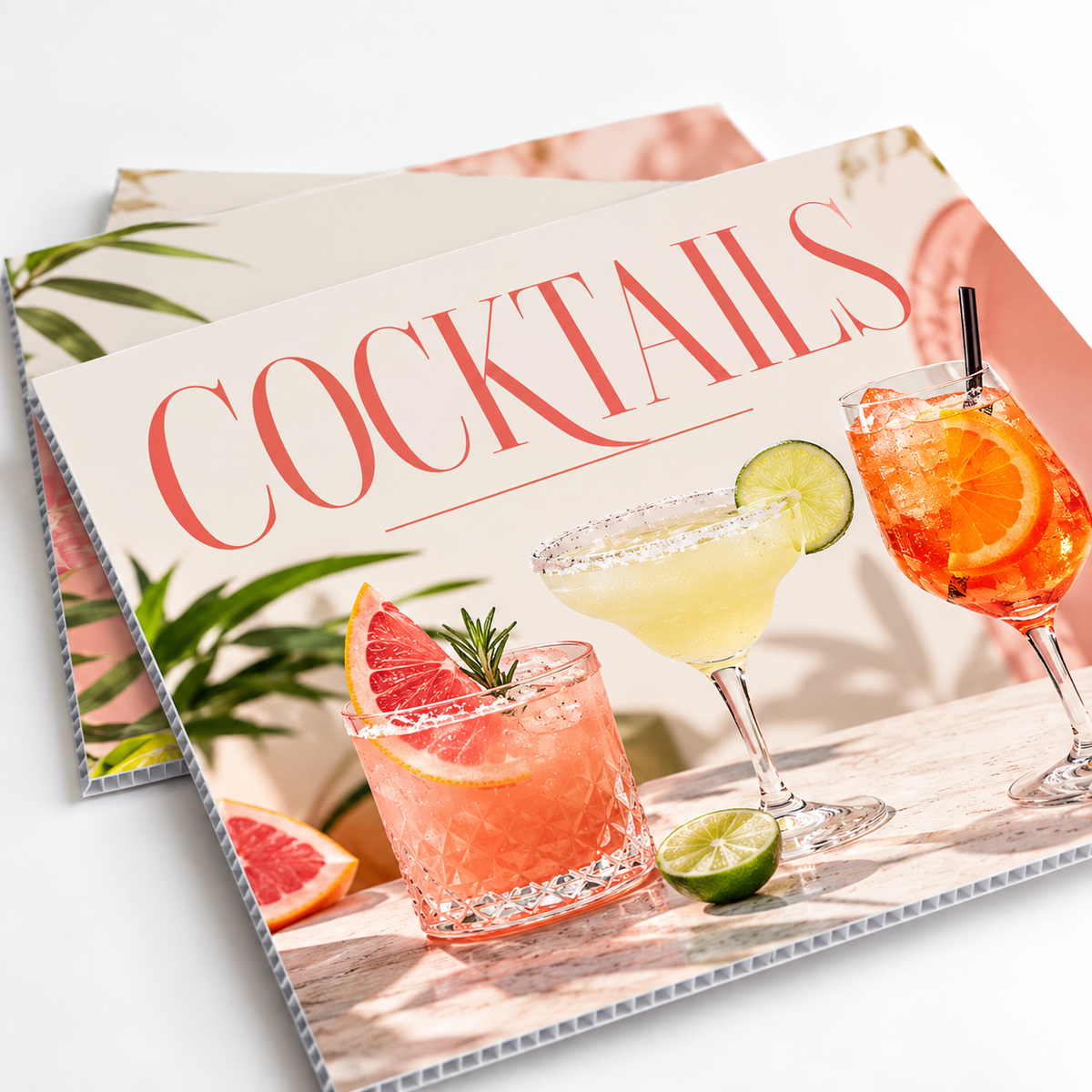
Lightweight, durable and versatile, custom corflute signs are perfect for events, promotions, real estate, construction sites, directional signage and more.
1Choose your sign
Size width × height
Orientation
Frame colour
Finish
Artwork
Eyelets for cable ties or rope
Each different design is set up and made separately, so it costs a little more than a copy. Put each design on its own page of one PDF, or email the extra files to tumbybayprint@gmail.com with your order number.
2Upload your artwork
Artwork PDF, JPG or PNG, max 20MB
Side 2 artwork PDF, JPG or PNG, max 20MB
3Check and add to cart
File check
Before printing we check your size, layout and image quality, and contact you if anything needs fixing. Spelling and wording aren’t checked.
Pick up only. Signs are collected from our Tumby Bay shop. We don’t post or freight signs.
Tumby Bay Print does not check files for spelling, image quality or sizing. Reprints caused by the supplied file will be charged.
Choose options
Before you upload
Getting your file ready
Corflute signs are printed on vinyl and wrapped around the edge of the board, so your file needs 20mm extra on every side. Four quick checks and your sign will look sharp from across the street. Not sure about something? Ask us and we'll gladly take a look.
Add 20mm for the wrap
Make your page 40mm bigger than the sign, 20mm on every side. A 600 × 900 mm sign is set up at 640 × 940 mm. Stretch your background right to the edge, as this extra wraps around the edge of the board.
Keep 20mm safe inside the edge
Keep words, logos and phone numbers at least 20mm in from the edge of the sign, so 40mm in from the edge of your file. Anything closer could end up on the edge of the board.
Big, bold and easy to read
Signs are read from a distance, often from a passing car. Use big text, strong contrast and just the essentials: what, where and how to get in touch.
Sharp images, one file per side
Use images that are at least 100 dpi at full size. Upload a PDF, PNG or JPG, up to 20MB, with no crop marks. Different design on the back? Upload it in the side 2 box.
Sizes and free Canva templates
Each template is already set to the right size with the 20mm wrap, with purple guide lines showing the sign edge and the safe zone. Pick portrait or landscape. Sizes are shown portrait, so swap the numbers for landscape.
| Sign size | Set up your file at | Canva Templates |
|---|---|---|
| 450 × 600 mmfinished size | 490 × 640 mmincludes 20mm wrap | Portrait Landscape |
| 600 × 900 mmfinished size | 640 × 940 mmincludes 20mm wrap | Portrait Landscape |
| 900 × 1200 mmfinished size | 940 × 1240 mmincludes 20mm wrap | Portrait Landscape |
| 1200 × 2400 mmfinished size | 1240 × 2440 mmCanva template is half size | Portrait Landscape |
- The 1200 × 2400 mm templates are set up at half size, as that's the biggest page Canva allows. Design as normal and we'll scale it up to full size. Use high-quality photos so they stay sharp.
- Need a custom size? Choose Custom in step 1 and add 20mm on every side of your file.
Choosing your options
A few quick things to know before you order.
Finish 2 options
- Standard printed vinyl suits short-term signs like events, sales and open homes.
- Laminated premium vinyl adds a protective layer against sun and scratches. Our pick for signs that stay up.
Sides and eyelets Optional
- Print one side, both sides the same, or a different design on each side.
- Add eyelets, 4 per sign, to cable tie or rope it to a fence or post.
Collecting your signs Pick up only
- Signs are collected from our shop in Tumby Bay.
- We can't post or freight signs, so please plan to pick them up.
No artwork yet? Start from one of the free Canva templates above, or our team can design your sign for $350. Need a hand? Contact the TB Print team.
Quick answers
Common questions
Can't see your question? Call us on 08 8688 2115 or send us a message.
How should I set up my file?
- Make your page 40mm bigger than the sign, 20mm on every side. For example, a 600 × 900 mm sign is set up at 640 × 940 mm.
- Stretch your background colour or photo right to the edge of the page.
- Keep words, logos and phone numbers at least 20mm in from the edge of the sign, which is 40mm in from the edge of your file.
- Save it as a PDF, PNG or JPG, up to 20MB, and upload it in step 1. A different design on the back? Upload it in the side 2 box.
What sizes can I choose?
450 × 600, 600 × 900, 900 × 1200 and 1200 × 2400 mm, in portrait or landscape. Need something else? Choose a custom size in step 1 and add 20mm on every side of your file. As a rough guide, a 600 × 900 suits a front fence or open home, and a 1200 × 2400 is read easily from a passing car.
Why does my file need 20mm extra?
We print your design on vinyl and wrap it around the edge of the board, so the colour runs right over the edge with no white showing. The extra 20mm on every side is what folds over. Fill it with your background, and keep anything important out of it. In our Canva templates, the outer purple line is the sign edge.
How far in should I keep my text?
At least 20mm in from the edge of the sign, so 40mm from the edge of your file. That keeps everything clear of the edge where the vinyl wraps over. It's the inner purple line in our Canva templates.
Corflute or ACM, which should I choose?
Corflute is 5mm fluted plastic. It's light, affordable and easy to put up, so it suits real estate, events, sales, building sites and elections. Add eyelets to tie it to a fence. ACM is 3mm aluminium composite panel. It's rigid, flat and built to last, so it suits shopfronts, walls, farm gates and permanent signs. Not sure? Tell us where it's going and we'll point you the right way.
Single or double-sided?
Your choice. Print one side, both sides the same, or a different design on each side. Signs on a fence or roadside are often seen from both directions, so double-sided is worth it there. For a different back, upload it in the side 2 box.
Do you have free Canva templates?
Yes, for every standard size, in portrait and landscape. Each one is set to the right size with the 20mm wrap, and purple guide lines show the sign edge and the 20mm safe zone. The 1200 × 2400 mm templates are set up at half size, as that's the biggest page Canva allows. Design as normal and we'll scale it up.
- Click the template button for your size in “Getting your file ready” above.
- Click Use template in Canva. You'll need to log in or create a free Canva account. This saves your own copy to your Canva account.
- Add your design. Stretch backgrounds to the edge, and keep words and logos inside the inner purple line. Can't see the lines? Click File, then Rulers and guides, then Show rulers and guides (Shift+R).
- Delete the TB Print instructions box. The purple lines don't print, so you can leave those.
- Click Share, then Download, and choose PDF Print. Leave “Crop marks and bleed” unticked, then click Download.
- Upload your PDF in step 1 at the top of this page.
What file types can I upload?
A PDF, PNG or JPG, up to 20MB each. PDF is best for sharp text. Use photos and logos that are at least 100 dpi at full size, and leave off any crop or trim marks.
Can you design my sign for me?
Yes. Our team can design your sign for $350. Send us a message with your wording, logo, photos and the size you're after, and we'll get started. We'll send you a proof to check before anything is printed.
Can you check my file before printing?
Yes. Add a file check for $20 and we'll look over your file for size, wrap, safe zone and image quality before we print, and let you know if anything needs fixing. Without a file check we print your file exactly as supplied, so please read your spelling and phone numbers carefully.
Can you post or deliver my signs?
Signs are pick up only from our shop in Tumby Bay. We can't post or freight them, as they're too large to send safely. We'll email you when your order is ready to collect.
What if something's wrong with my order?
If your signs are damaged, we made a mistake, or you received the wrong item, we'll reprint, replace or refund. Because we print exactly what you send, we can't offer refunds for a change of mind, mistakes in the file you supplied such as typos or wrong phone numbers, or options chosen incorrectly at checkout. Please contact us and we'll sort it out.