



Custom Vinyl Decals
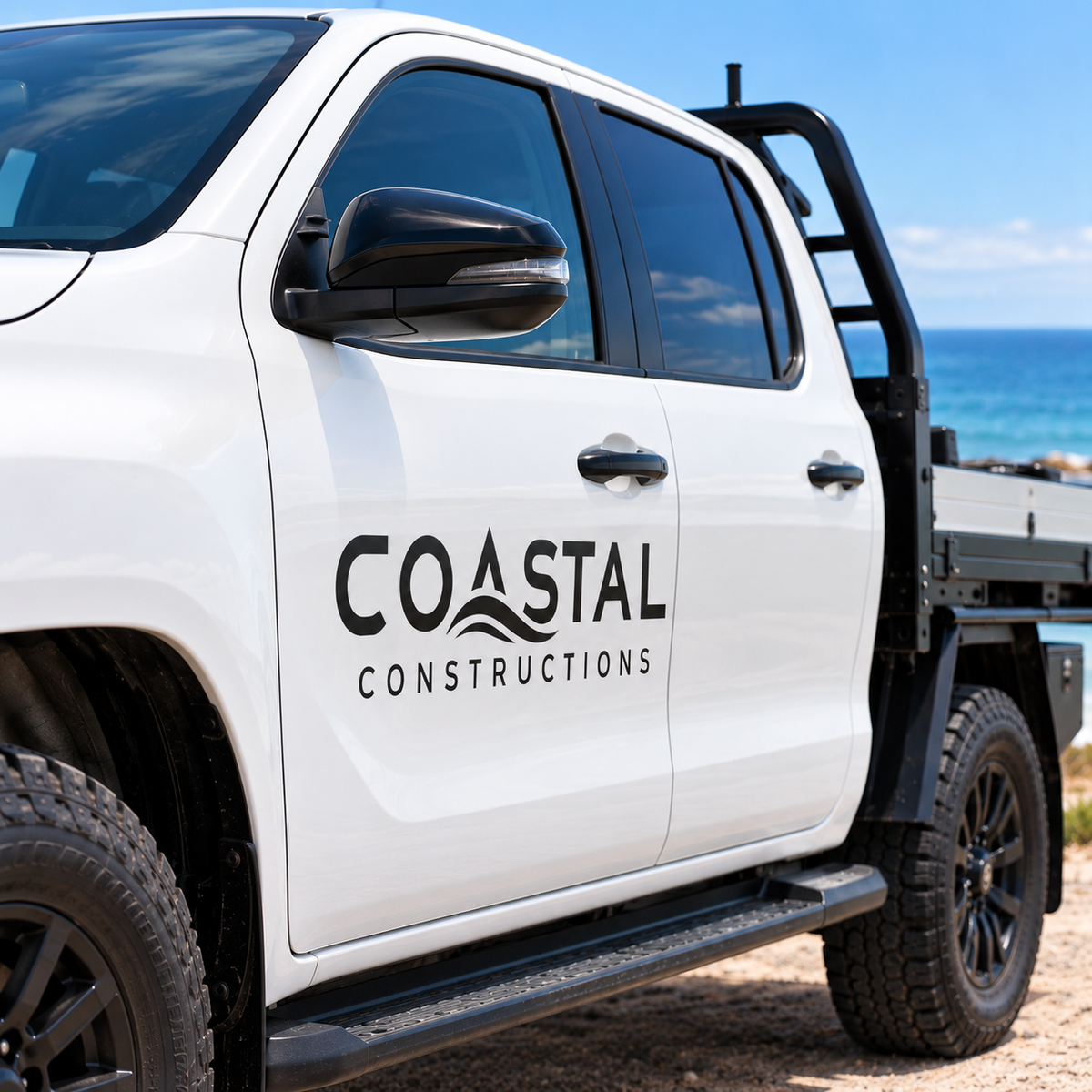
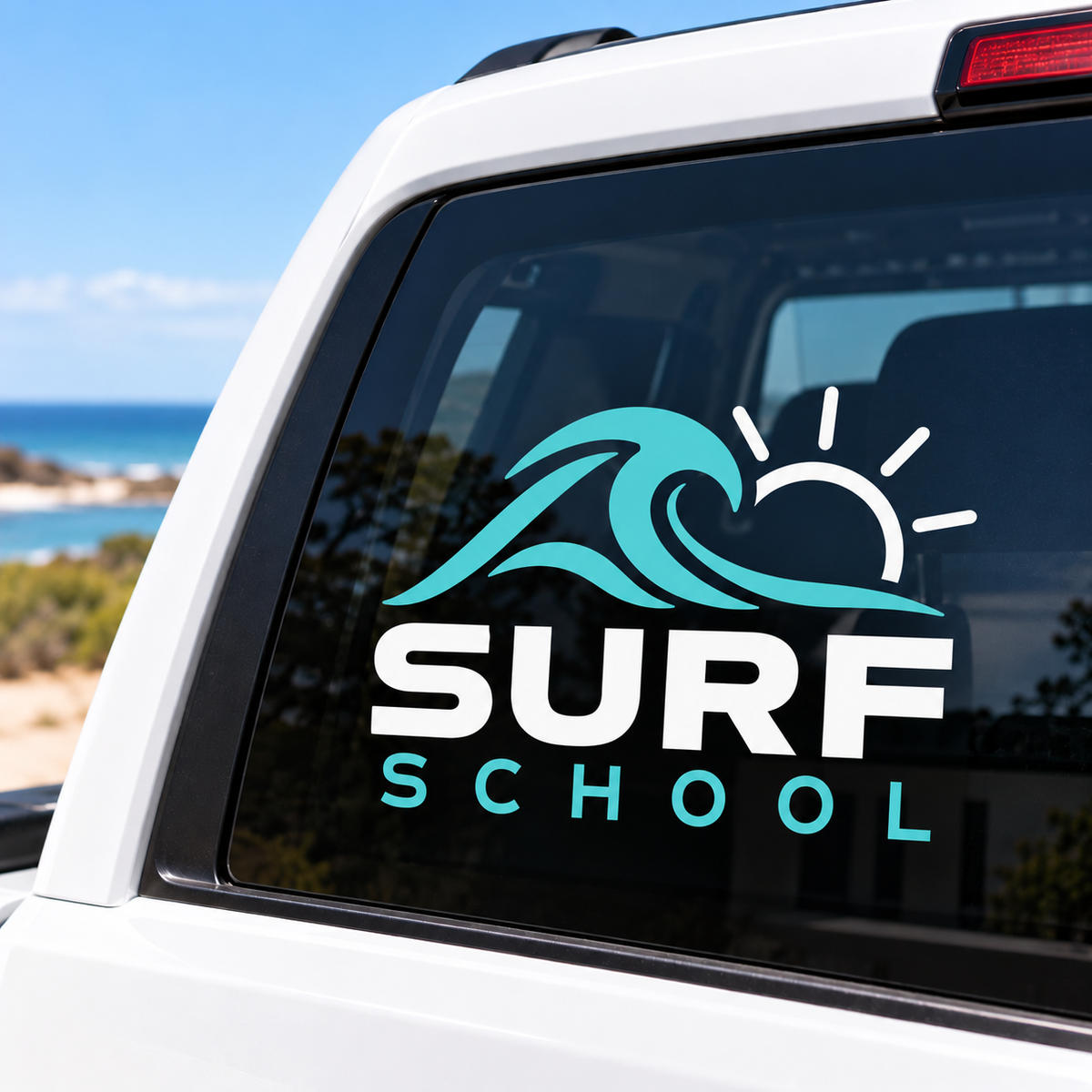
Create a clean, professional look with custom vinyl decals. Perfect for windows, vehicles, boats, signage and more, with your choice of wording, design and colours.
1Upload your design
Vector file AI, EPS, SVG or PDF · max 20MB
We cut vinyl along the lines in your file, so it must be a vector cut file: AI, EPS, SVG, or a PDF saved from Illustrator or similar design software. Photos, JPGs, PNGs and most Canva downloads can’t be cut. Only have a JPG or PNG? Contact us.
Decals are one or two colours. Each piece is cut and weeded by hand, then taped so it goes on in one go. For three or more colours, ask us for a quote.
2Colour, size and detail
Number of colours
Two-colour decals are cut as two separate layers, weeded, then lined up on one sheet of tape. Your file needs each colour as a separate solid colour (or layer), with no gradients or shading.
Finished size overall width × height, mm
Up to 580 mm one way and 3000 mm the other. Thin lines and small text should be at least 2 mm wide so they cut and weed cleanly.
Detail level
This sets the hand weeding time. We check every file before cutting and will contact you before going ahead if your design needs a different level.
Where is it going?
3Check and add to cart
Supplied weeded and taped, ready to apply. We don’t check spelling.
Choose options
Before you upload
Getting your file ready
We cut your decal from coloured vinyl along the lines in your file, weed it by hand and tape it so it goes on in one go. Four quick checks and your decal will come out just the way you pictured it. Not sure about your file? Ask us and we'll gladly take a look.
Send a vector cut file
We cut along the lines in your file, so it must be a vector file: AI, EPS, SVG, or a PDF saved from Illustrator or similar design software. Photos, JPGs, PNGs and most Canva downloads can't be cut.
Keep lines at least 2mm wide
Every line, gap and letter is cut and weeded by hand, so make thin lines and small text at least 2mm wide at the finished size. Anything thinner may not cut or weed cleanly.
Use one or two solid colours
Decals are cut from solid coloured vinyl, so use one or two flat colours with no photos, gradients or shadows. For two colours, put each colour on its own layer. Need three or more? Ask us for a quote.
Inside or outside the glass?
For walls, vehicles, boats and the outside of glass, choose Outside surface. For the inside of a window, choose Inside of glass and we'll cut it reversed so it reads the right way from outside.
Which detail level should I choose?
The detail level sets the hand weeding time. We check every file before cutting, and we'll contact you before going ahead if your design needs a different level.
| Detail level | Best for |
|---|---|
| Simple | Bold shapes with only a few pieces |
| Standard | A logo with some text |
| Detailed | Fine lines, lots of small text or lots of pieces |
Vector file checklist
A few quick things to check in your design software before you save your file.
Text Outlined
- Convert all text to outlines (curves), so the fonts can't change.
- Check your spelling, as we don't check it.
Shapes Solid fills
- Use solid, flat colours only, with no photos, gradients or shadows.
- For two colours, put each colour on its own layer.
Size Finished size
- Set your design at the finished size you enter in step 2.
- No bleed or crop marks are needed for cut vinyl.
How to apply your decal
Your decal arrives weeded (the extra vinyl removed) with clear transfer tape over the top, which holds every piece in place while you put it on. For two colours, apply one layer at a time, lining up the second with the first.
1. Prepare Clean & dry
- Clean the surface with warm soapy water, then dry it completely.
- Apply on a mild day, out of direct sun.
2. Position Measure twice
- Hold it in place with a strip of masking tape along the top, like a hinge.
- Step back and check it's straight and level.
3. Apply Go slowly
- Lift it up, peel off the backing paper, then smooth it down from the centre outwards with a card.
- Rub firmly, then peel the transfer tape back slowly, folding it back flat against itself.
Only have a JPG or PNG? Contact us. Just need wording? Our Vinyl Lettering page is quicker, with no file needed.
Quick answers
Common questions
Can't see your question? Call us on 08 8688 2115 or send us a message.
What file do I need?
A vector cut file: AI, EPS, SVG, or a PDF saved from Illustrator or similar design software, up to 20MB. We cut along the lines in your file, so photos, JPGs, PNGs and most Canva downloads can't be cut.
I only have a JPG, PNG or Canva design. What can I do?
Contact us with what you have and we'll let you know your options. Just need wording? Our Vinyl Lettering page lets you type it in, with no file needed.
How do I set up my file?
- Set your design at the finished size you'll enter in step 2.
- Convert all text to outlines (curves).
- Use solid, flat colours only, with no photos, gradients or shadows. For two colours, put each colour on its own layer.
- Make every line, gap and letter at least 2mm wide.
- Save as AI, EPS, SVG or PDF. No bleed or crop marks are needed.
How many colours can I have?
Decals are one or two colours. Two-colour decals are cut as two layers that line up on top of each other. For three or more colours, ask us for a quote.
What colours can I choose?
Black, Bright Red, Orange, Primrose Yellow, Magenta and Vivid Blue. Screen colours are a guide only. Need a different colour? Ask us.
How big can my decal be?
Up to 580mm one way and 3000mm the other. Enter the finished width and height in step 2. Thin lines and small text should be at least 2mm wide so they cut and weed cleanly. Something bigger? Ask us for a quote.
Which detail level should I choose?
Simple is for bold shapes with only a few pieces, Standard is for a logo with some text, and Detailed is for fine lines, lots of small text or lots of pieces. It sets the hand weeding time. We check every file before cutting, and we'll contact you before going ahead if your design needs a different level.
Should I choose outside surface or inside of glass?
Choose Outside surface for walls, vehicles, boats and the outside of windows. Choose Inside of glass if it's going on the inside of a window to be read from outside, and we'll cut it reversed so it reads the right way.
What does weeded and taped mean?
Weeded means we've removed all the extra vinyl by hand, leaving just your design. Taped means there's a clear transfer tape over the top that holds every piece in its place, so you can put the whole decal on in one go.
How do I put my decal on?
- Clean the surface with warm soapy water and dry it completely. Apply on a mild day, out of direct sun.
- Position the decal and hold it in place with a strip of masking tape along the top, like a hinge. Check it's straight and level.
- Lift it up, peel off the backing paper, then smooth it down from the centre outwards with a card.
- Rub firmly over every piece, then peel the transfer tape back slowly, folding it back flat against itself. For two colours, apply one layer at a time, lining up the second with the first.
Do you check my file?
We check every file before cutting, and we'll contact you if the detail level needs changing. We don't check spelling, so please check your wording carefully before you upload.
Can I order more than one copy?
Yes. Choose how many copies in step 2. Need lots of copies? Ask us for a quote.
How will my decal get to me?
All orders are cut and sent from our shop in Tumby Bay with Australia Post, Australia wide. Orders placed on weekends and public holidays are processed on the next working day. We don't offer weekend or next-day delivery.
What if something's wrong with my order?
If your decal arrives damaged, we made a mistake, or you received the wrong item, we'll recut, replace or refund it. We can't offer refunds for a change of mind, mistakes in the file you supplied such as spelling, or sizes and options chosen incorrectly at checkout. Please contact us and we'll sort it out.