

Kiss Cut Stickers
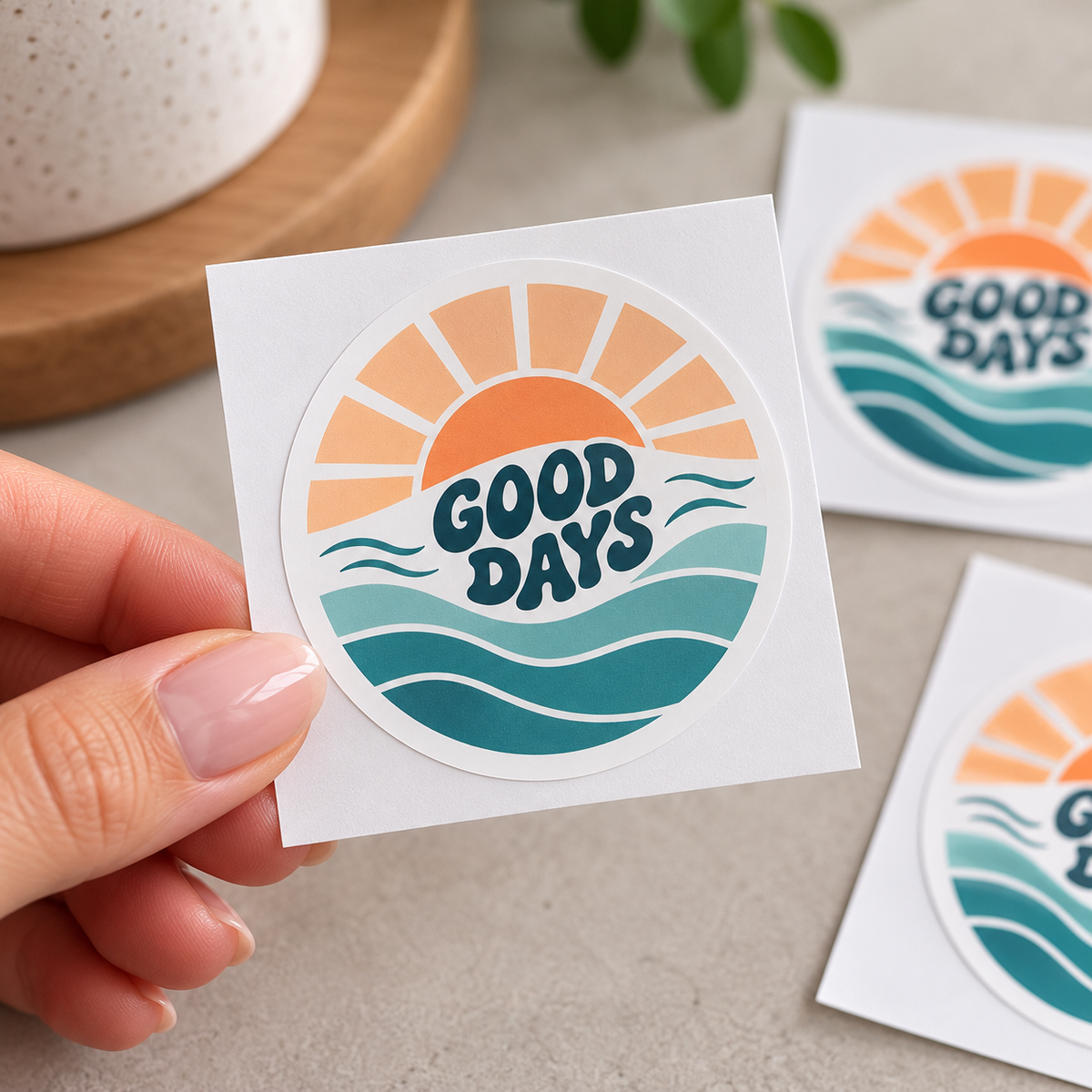
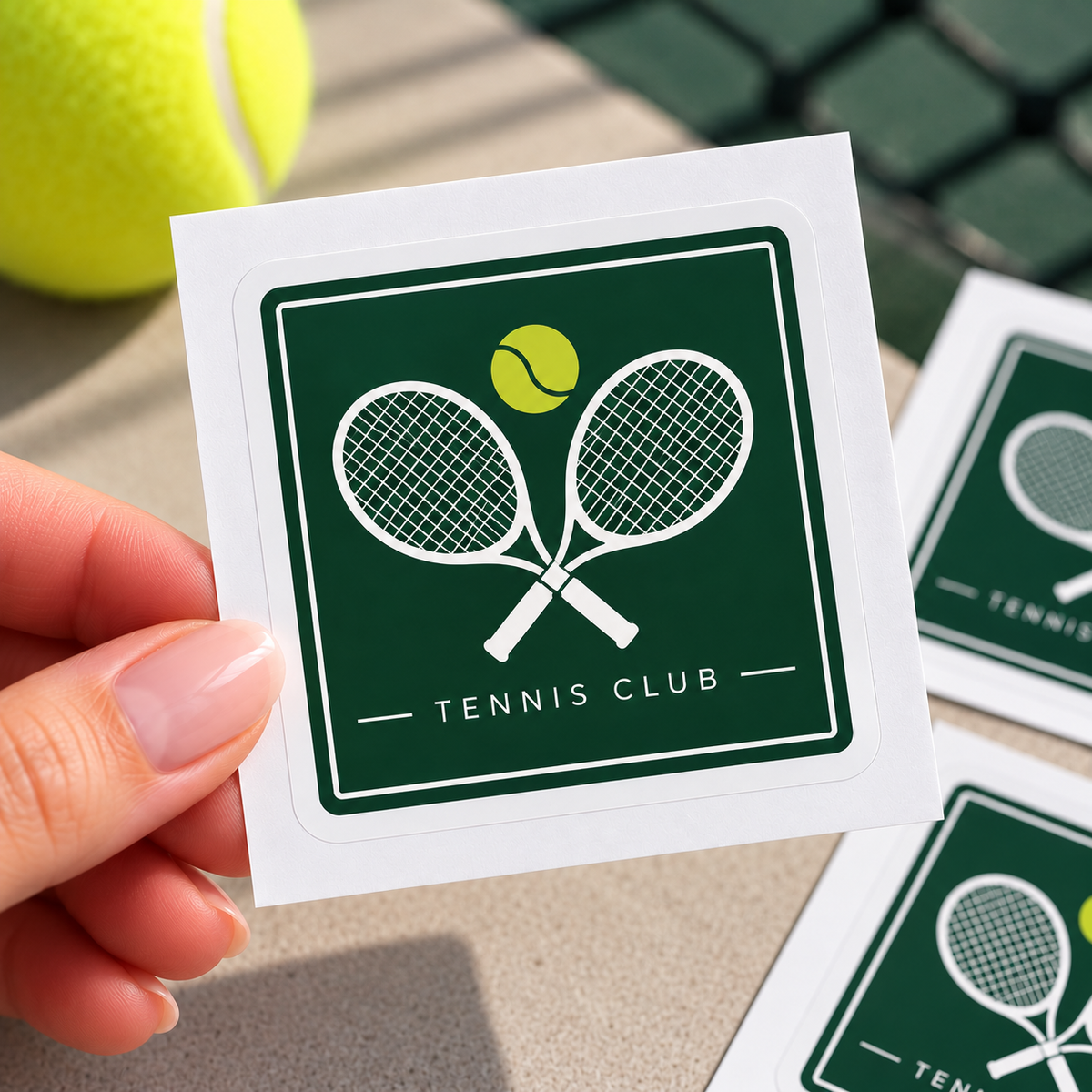
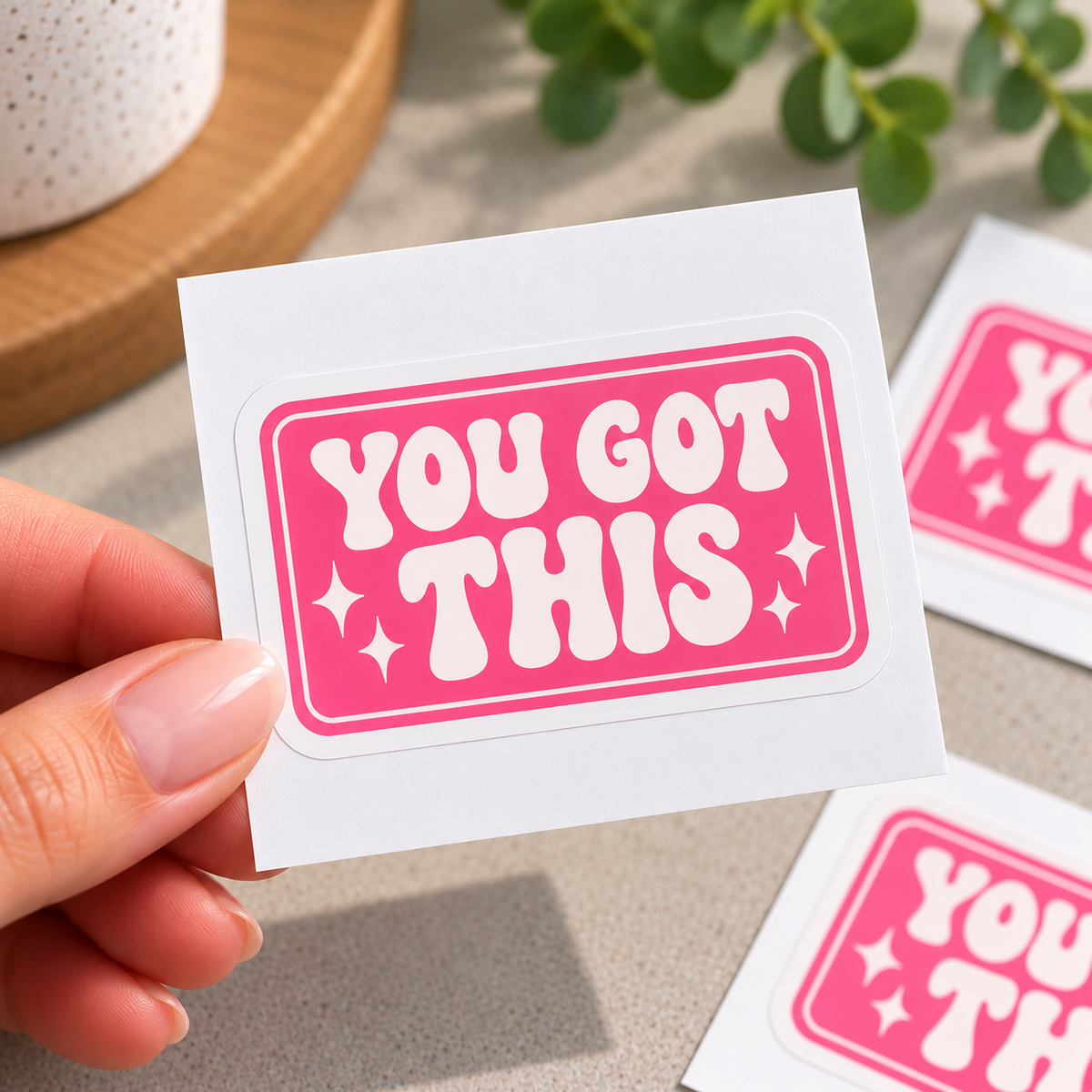
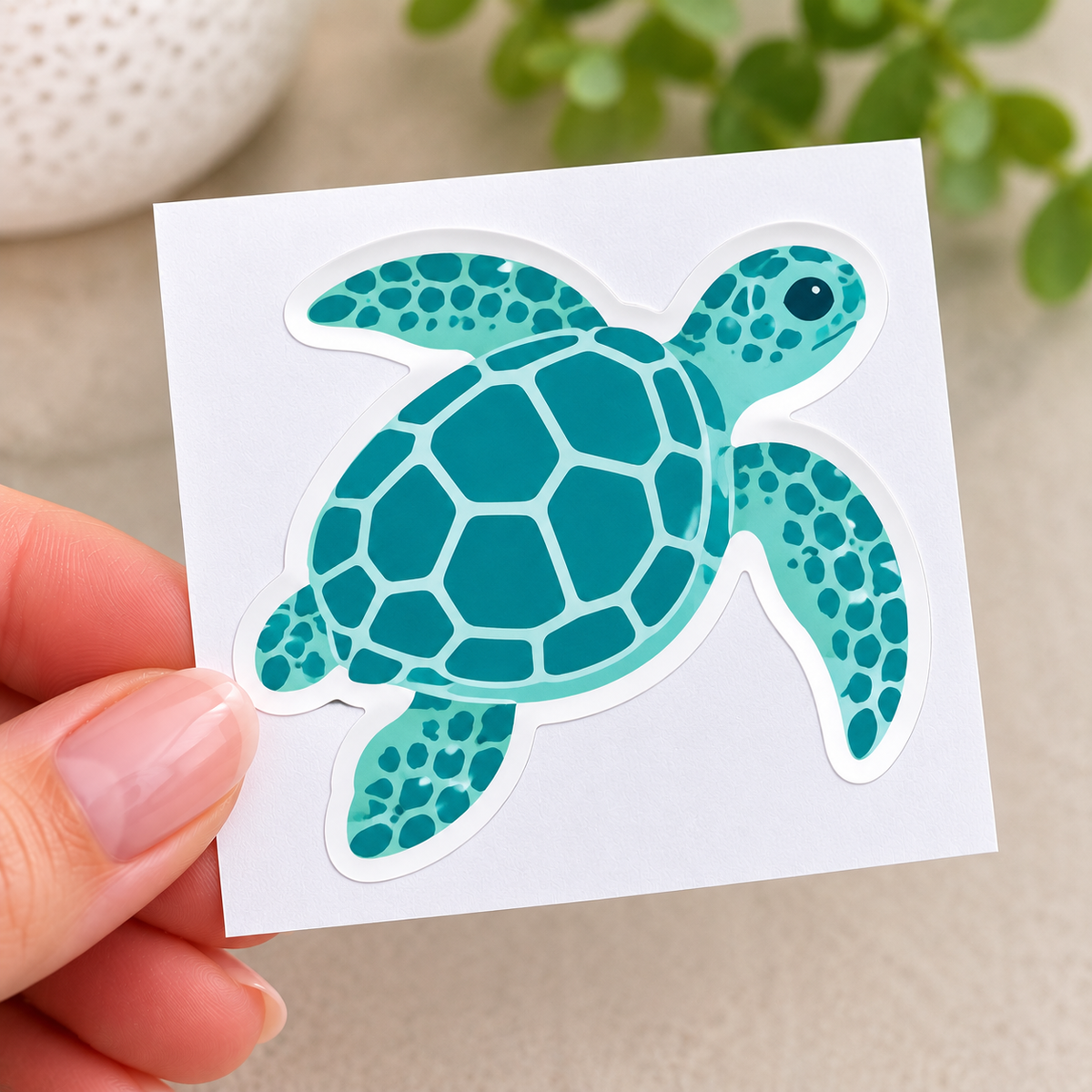
Custom kiss cut stickers cut to your chosen shape and supplied individually on a square or rectangular backing. Perfect for logos, packaging, branding, events and custom designs.
1Your artwork
Pick a design and fill in your details. We’ll email you a PDF proof within 3 working days and make any changes before printing.
Choose a template
Your details
We create 2–3 concept designs for you to choose from, then finish your pick print-ready with a cut line. Your PDF proof arrives within 2 working days of choosing a concept, with 2 rounds of changes included (further changes are charged at our hourly rate). Please check the spelling on your proof carefully, as we don’t spell-check. Printing starts once you approve the proof.
Your file PDF, PNG or JPG · max 20MB
Logo, photo or images optional · PDF, PNG or JPG · max 20MB
2Choose your options
Shape
The sticker is cut to the shape you pick. The backing is always square or rectangular.
Size
Vinyl
Finish
3Check and add to cart
File check
Before printing we check your file’s size, bleed, resolution and cut line, and contact you if anything needs fixing. Spelling and wording aren’t checked.
Tumby Bay Print does not check files for spelling, image quality, or sizing. Reprints caused by the supplied file will be charged.
Choose options
Before you upload
Getting your file ready
Just design one sticker. We'll print it, kiss cut each one to your shape and supply them one by one, each on its own square or rectangular backing so they peel off easily. Four quick checks and your stickers will come out just the way you pictured them. Not sure about something? Ask us and we'll gladly take a look.
Add 3mm bleed all the way around
Make your file 6mm bigger than your sticker, so a 35 mm sticker is a 41 × 41 mm file. Stretch your background colour or picture right to the edge, so no white shows if the cut lands slightly outside the line.
Keep text 3mm inside the cut line
Trimming is never perfectly exact, so keep all words and logos at least 3mm in from the cut line. That way nothing important gets clipped if the cut moves a little.
Use sharp images and CMYK colour
Aim for 300 dpi at the size the sticker will print, so small text stays crisp. Set your file up in CMYK. Very bright blues, greens and neons usually print a touch calmer than on your screen.
Upload one sticker, not a sheet
Upload a PDF, PNG or JPG of a single sticker, up to 20MB. You don't need to lay them out on a sheet. Leave off any crop or trim marks, or they'll print on your stickers. Choosing a custom shape? Open “Custom shape” in the size table below.
Sizes and free Canva templates
Each template is one sticker, already set to the right file size with the cut line and safe zone marked. Circle templates use drawn circles, and square and rectangle templates use purple guide lines. Just add your design and save as a PDF. Tap a shape below to see its sizes.
Circle
| Sticker | File size | Per A4 sheet | |
|---|---|---|---|
| 35 mm | 41 × 41 mm | 35 | Canva template |
| 50 mm | 56 × 56 mm | 20 | Canva template |
| 70 mm | 76 × 76 mm | 8 | Canva template |
| 100 mm | 106 × 106 mm | 4 | Canva template |
Square
| Sticker | File size | Per A4 sheet | |
|---|---|---|---|
| 35 × 35 mm | 41 × 41 mm | 35 | Canva template |
| 50 × 50 mm | 56 × 56 mm | 20 | Canva template |
| 70 × 70 mm | 76 × 76 mm | 8 | Canva template |
| 100 × 100 mm | 106 × 106 mm | 4 | Canva template |
Rectangle
| Sticker | File size | Per A4 sheet | |
|---|---|---|---|
| 40 × 30 mm | 46 × 36 mm | 36 | Canva template |
| 85 × 45 mm | 91 × 51 mm | 12 | Canva template |
| 75 × 50 mm | 81 × 56 mm | 12 | Canva template |
| 100 × 80 mm | 106 × 86 mm | 6 | Canva template |
Custom shape
There's no template for custom shapes, as every one is different. We'll set up the cut line around your design for you.
- Pick the size in step 2 that your shape fits inside, then make your file 6mm bigger than that size.
- Carry your background colour 3mm past the edge of your shape so no white shows along the cut.
- Keep words and logos at least 3mm inside the edge of your shape.
- Thin points and very small gaps are hard to cut cleanly, so keep the outline simple and smooth.
- The backing is always square or rectangular, whatever shape you choose.
- Not sure your shape will work? Choose Check my file in step 3 and we'll contact you before printing.
Which vinyl and finish should I choose?
Pick your vinyl and finish in step 2. It mostly comes down to where the sticker will live and how long it needs to last.
Standard vinyl Up to 1 year outdoors
The better value pick for stickers that live indoors or are only needed for a while.
- Packaging, labels and jar lids
- Giveaways, events and promotions
Premium vinyl 5–7 years outdoors
A tougher vinyl for stickers that face the sun and weather, or need to last for years.
- Windows, vehicles and bins
- Equipment, tools and outdoor gear
Gloss laminate Optional
A clear gloss layer over the print for extra scratch and UV protection, with a shiny finish.
- Stickers that get handled a lot
- Anything that lives outdoors
No artwork yet? Start from one of the free Canva templates above, or choose “Template” or “Custom design” in step 1 and we'll design it for you. Need a hand? Contact the TB Print team.
Quick answers
Common questions
Can't see your question? Call us on 08 8688 2115 or send us a message.
Do I need to set my stickers out on a sheet?
No. Just send us one sticker. We'll print it, kiss cut each sticker to shape and supply them one by one on their own backing. You don't need to add a cut line either, as we do that too.
What is a kiss cut sticker?
We cut through the sticker vinyl around your shape but not through the backing, then trim the backing to a square or rectangle around each sticker. Each one is supplied on its own, so the sticker peels away easily from its backing. They're great for handing out, packing into orders or selling.
Can I have any shape I like?
Yes. Choose Circle, Square or Rectangle, or choose Custom shape and we'll cut around the outline of your design. Pick the size your shape fits inside and make your file 6mm bigger than that size. Carry your background 3mm past the edge of your shape, and keep the outline smooth, as thin points and tiny gaps are hard to cut cleanly. There's no Canva template for custom shapes, as every one is different. The backing is always square or rectangular.
What size should my file be?
Make your file 6mm bigger than your sticker, which adds 3mm of bleed all the way around. The sizes are circles 35, 50, 70 or 100mm across, squares from 35 × 35 mm up to 100 × 100 mm, and rectangles 40 × 30, 85 × 45, 75 × 50 or 100 × 80 mm. Custom shapes can be any of these sizes. Choose your size in step 2 and the exact file size is shown in step 1.
Why do I need bleed and a safe zone?
Trimming is never perfectly exact, and the cut can move a little either way. The 3mm of bleed outside the cut line means no white edge shows if the cut lands slightly outside, and the 3mm safe zone inside it means no words or logos get clipped if it lands slightly inside. Stretch your background to the edge of the file, and keep text and logos at least 3mm in from the cut line.
Do you have free Canva templates?
Yes, for every circle, square and rectangle size. Each one is a single sticker, already set to the right file size with the cut line and safe zone marked, so you just add your design. There's no template for custom shapes.
- Click the template button for your size in “Getting your file ready” above.
- Click Use template in Canva. You'll need to log in or create a free Canva account. This saves your own copy to your Canva account, so you can come back to it any time.
- Add your design. Stretch any background right to the edge of the page, and keep words and logos inside the dashed purple circle or the inner purple guide lines. Can't see the lines? Click File, then Rulers and guides, then Show rulers and guides (Shift+R).
- When you're finished, delete the TB Print instructions box. On circle templates, also delete both circles, as they would print. The purple guide lines on square and rectangle templates don't print, so you can leave those.
- Click Share, then Download, and choose PDF Print. Leave “Crop marks and bleed” unticked, then click Download.
- Upload your PDF in step 1 at the top of this page.
Standard or premium vinyl?
Standard vinyl lasts up to 1 year outdoors and is the better value pick for packaging, labels, giveaways and anything kept indoors. Premium vinyl lasts 5–7 years outdoors, so choose it for windows, vehicles, bins, equipment and anything that faces the sun and weather.
Do I need gloss laminate?
It's optional. Gloss laminate adds a clear layer over the print for extra scratch and UV protection, and gives a shiny finish. It's worth adding for stickers that get handled a lot or live outdoors.
What file types can I upload?
Upload a PDF, PNG or JPG of one sticker, up to 20MB. Use 300 dpi images and CMYK colour, and leave off any crop or trim marks, as they'll print on your stickers.
Can you design my sticker for me?
Yes. In step 1, choose Template and we'll put your details into one of our designs, or Custom design and we'll create something from scratch. Prefer to do it yourself? Use one of our free Canva templates.
Can you check my file before printing?
Yes. Choose “Check my file” in step 3 and we'll check your file's size, bleed, resolution and colour setup before printing, and contact you if anything needs fixing. We don't check spelling or wording. If you skip the check, your stickers are printed exactly as supplied, and a reprint caused by something in the file is charged.
How many can I order?
Stickers are printed on A4 sheets and then cut and supplied individually, and you can order from 1 sheet up to 250 sheets online. How many fit on a sheet depends on the size you choose, and your total number of stickers is shown in step 2. The price per sticker drops as you order more. Need more? Contact us for a quote.
How will my stickers get to me?
All orders are printed and sent from our shop in Tumby Bay with Australia Post, Australia wide. Orders placed on weekends and public holidays are processed on the next working day. We don't offer weekend or next-day delivery.
What if something's wrong with my order?
If your stickers arrive damaged, we made a mistake, or you received the wrong item, we'll reprint, replace or refund them. We can't offer refunds for a change of mind, mistakes in the file you supplied such as typos or low-resolution images, or options chosen incorrectly at checkout. Please contact us and we'll sort it out.