

A4 Booklets
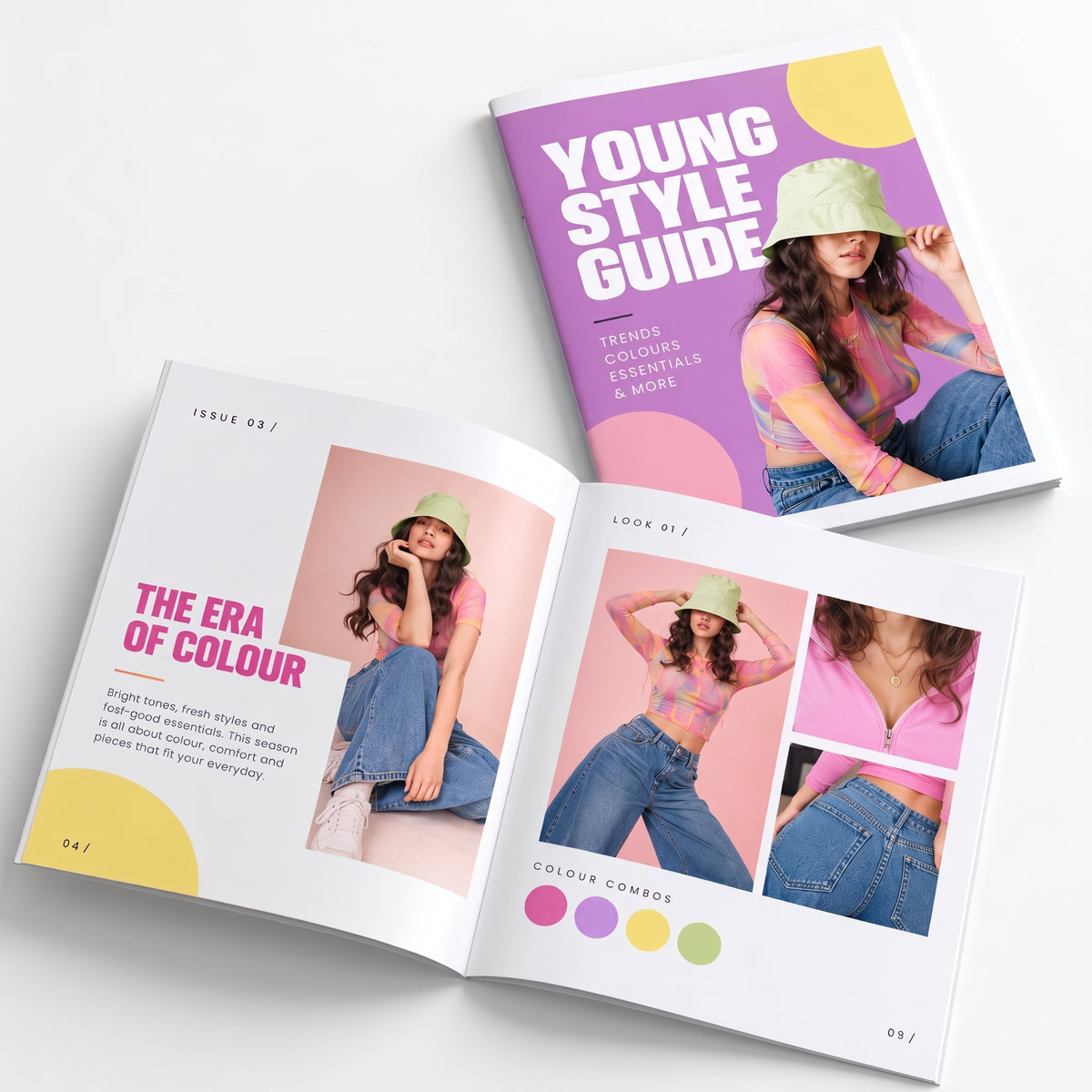
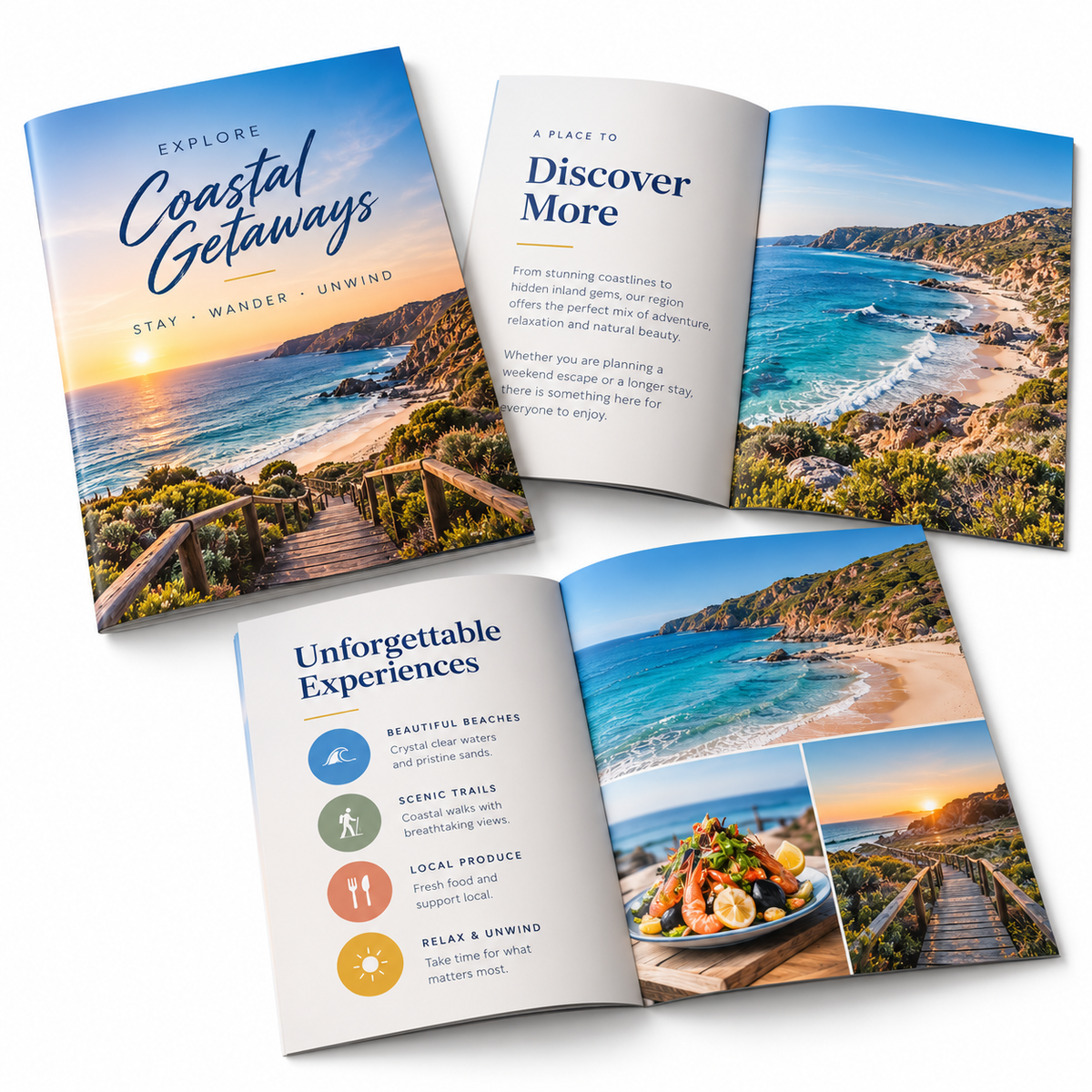
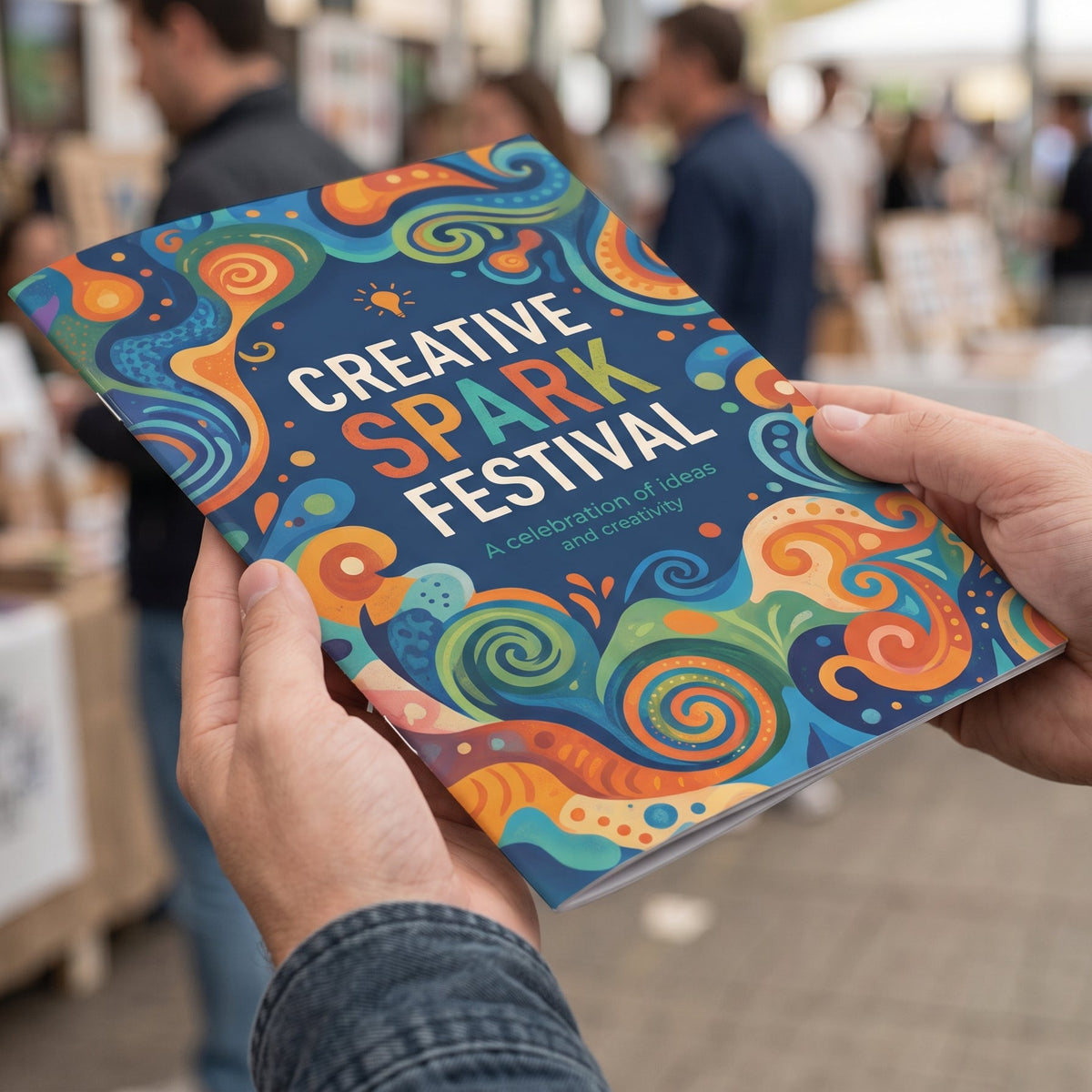
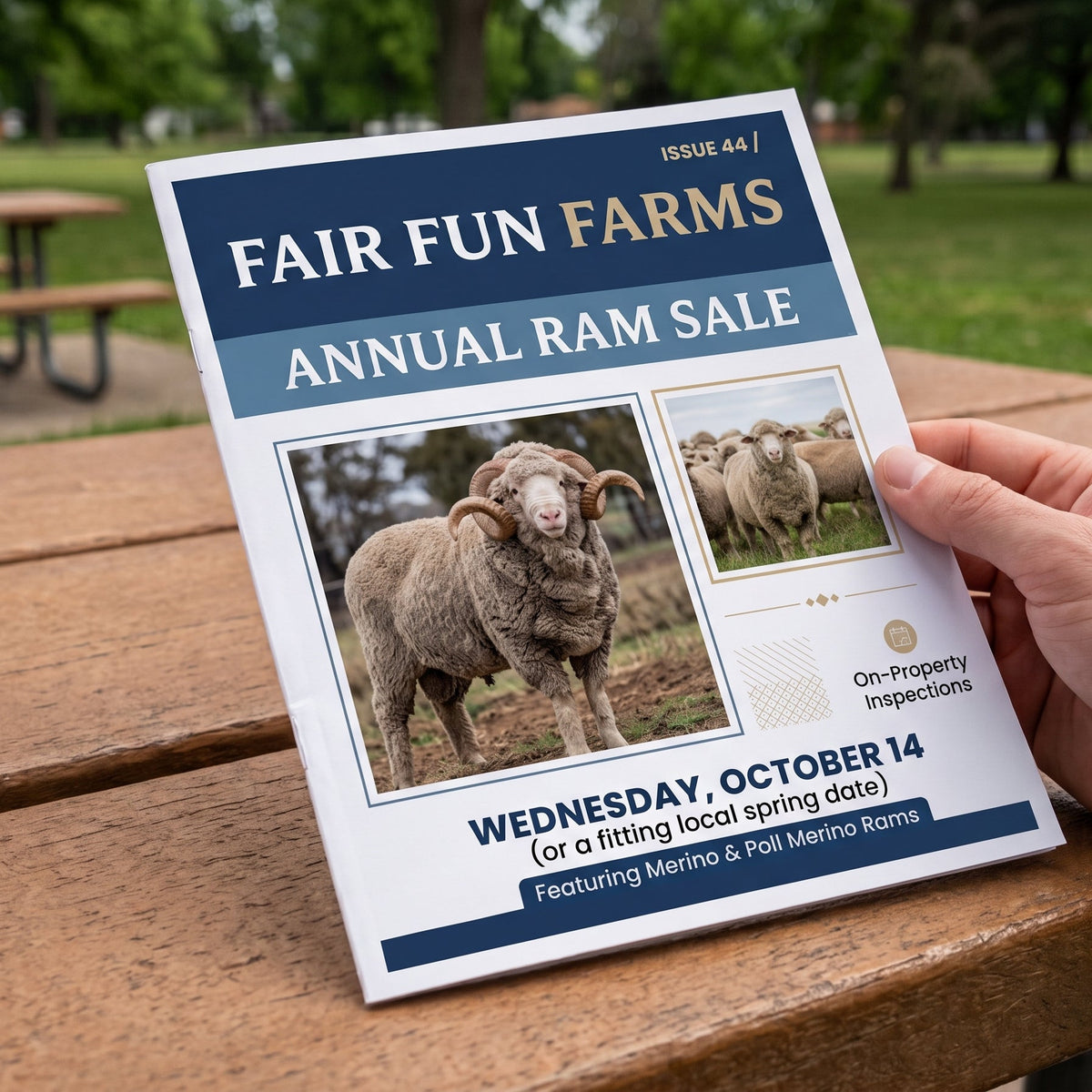
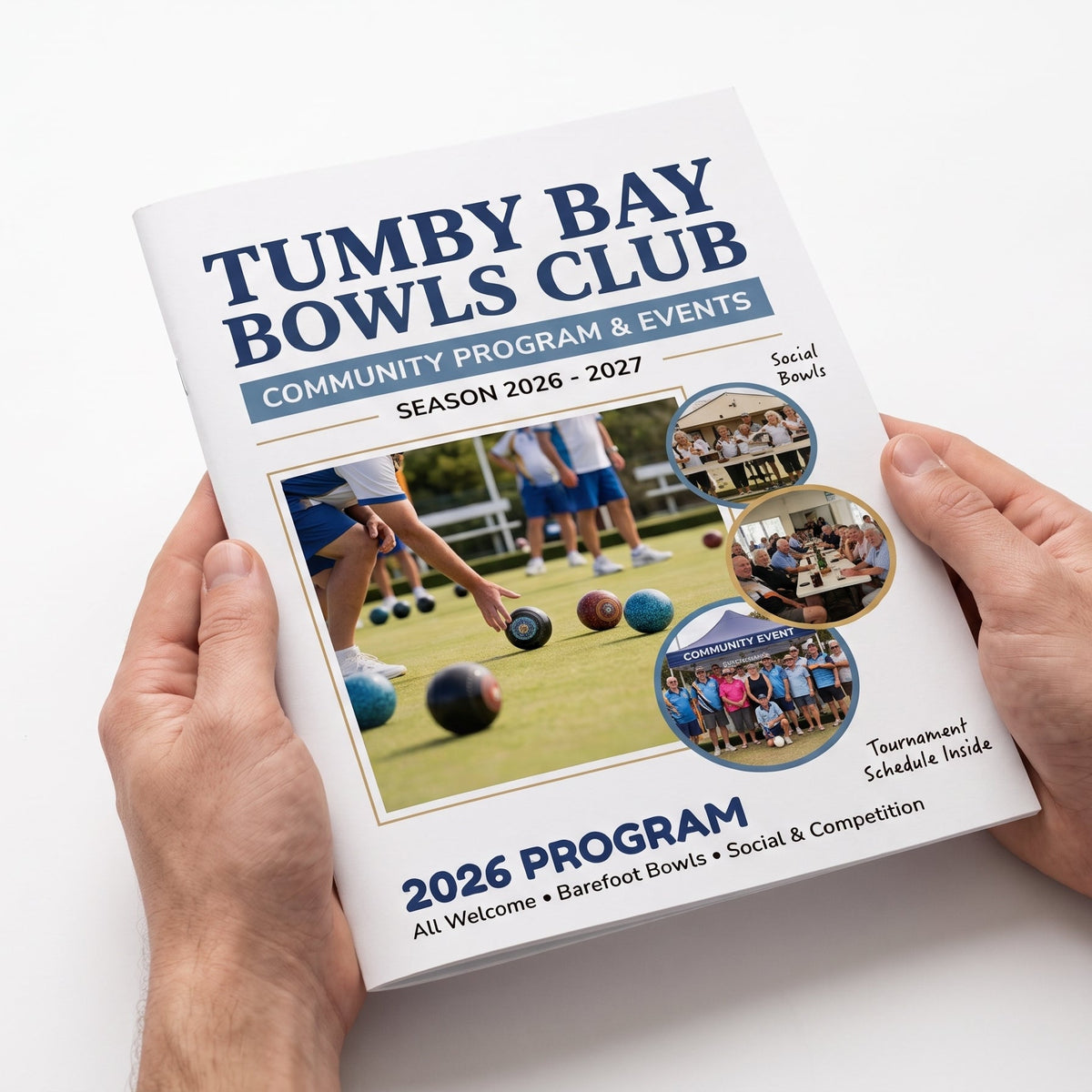
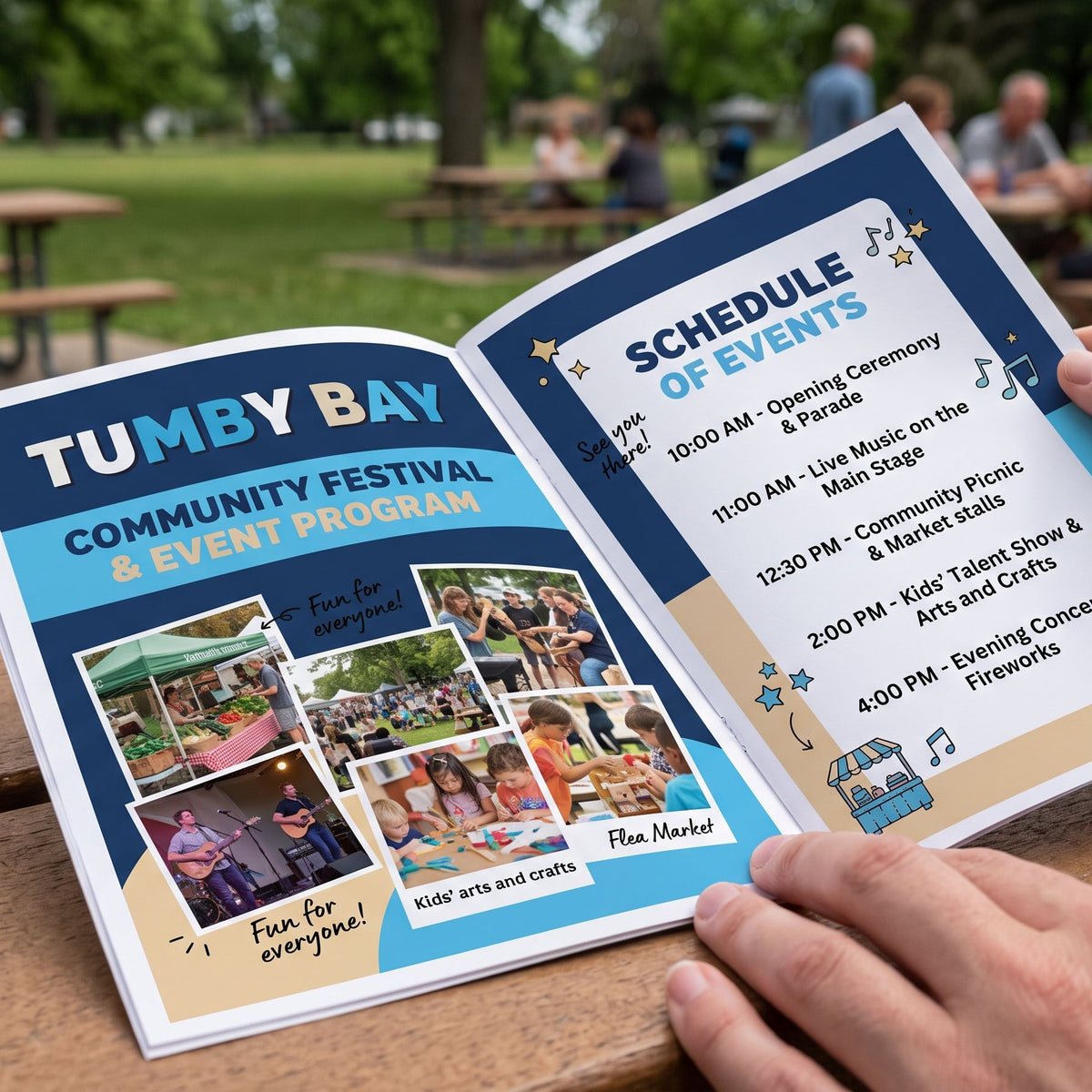
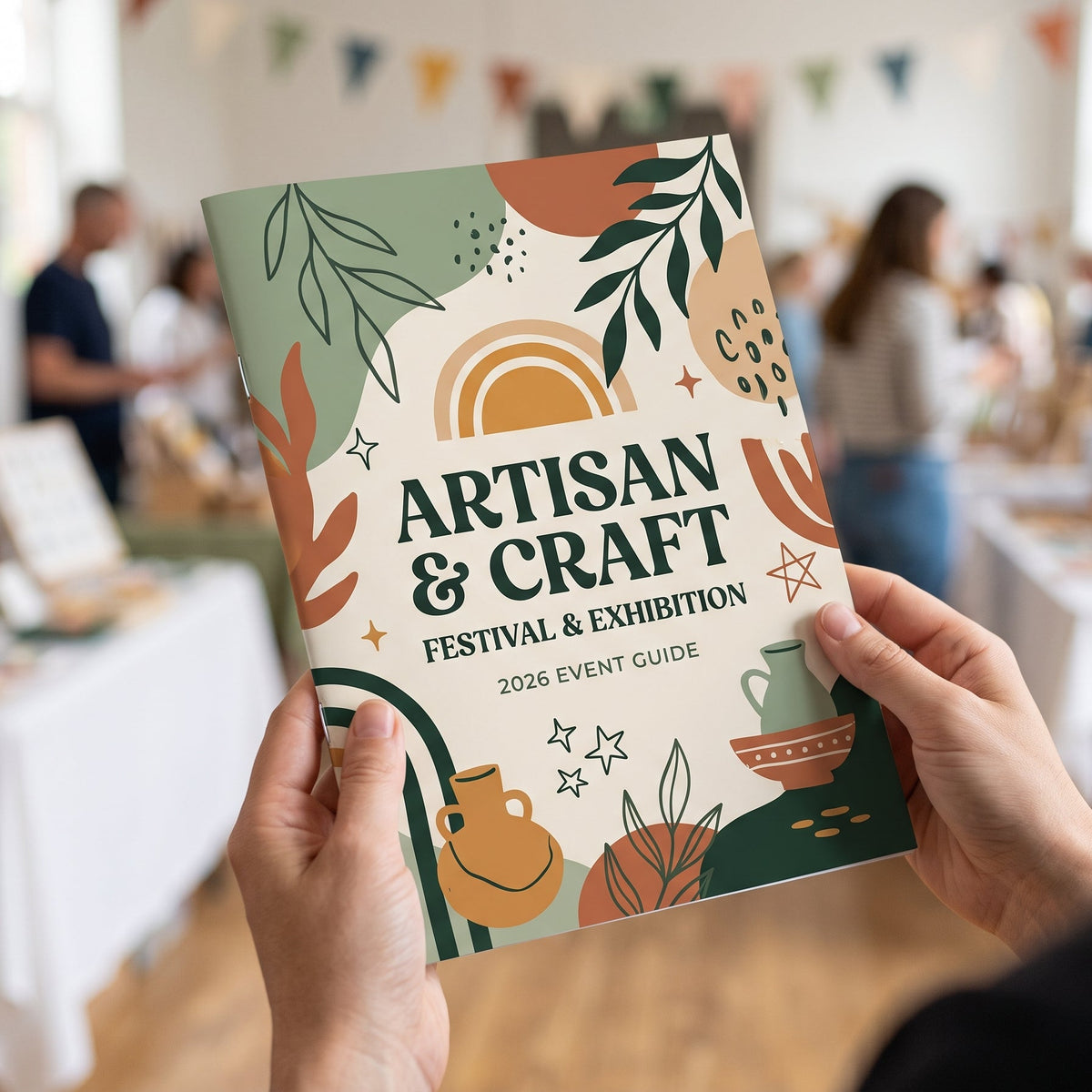
A4 Booklets are perfect for catalogues, programs, reports, guides and promotional material. Printed in full colour and saddle stitched for a clean, professional finish, they provide plenty of space to showcase your information, imagery and branding.
1Upload your booklet
PDF max 20MB
2Choose your booklet
Finish
Cover
Pages go up in 4s (each sheet folds into 4 pages). Count every page, including the front and back cover. If your file isn’t a multiple of 4, we add blank pages at the back.
3Check and add to cart
File check
Tumby Bay Print does not check files for spelling, image quality, page order or sizing. Reprints caused by the supplied file will be charged.
Choose options
Before you upload
Getting your file ready
Send us one PDF of single pages with your front cover first and back cover last. We print it, fold it and staple it twice down the spine. Four quick checks and your booklet will come out just the way you pictured it. Not sure about something? Ask us and we'll gladly take a look.
Single pages, in order
Set up your PDF as single pages, not spreads. Page 1 is the front cover, then your inside pages in reading order, and the last page is the back cover. We arrange the pages for folding, so you don't need to.
Pages go up in 4s
Each sheet folds into 4 pages, so your booklet is 8, 12, 16 and so on, up to 48 pages (40 for Premium). Count every page, including the front and back cover. If your file isn't a multiple of 4, we add blank pages at the back.
Standard or Premium edges
Standard pages print with a small white border, so set them up at 210 × 297 mm with no bleed. Premium pages print to the edge, so add 5mm bleed all the way around (220 × 307 mm). Either way, keep text 5mm inside the edge.
Sharp images, one PDF
Use 300 dpi images and CMYK colour, and embed your fonts. Upload everything as one PDF, up to 20MB. Leave off any crop or trim marks.
Page sizes and free Canva templates
Each template has 4 pages, already set to the right size with purple guide lines marking the safe zone. Add more pages in 4s with the + button in Canva.
| Finish | Set up your pages at | Canva Template |
|---|---|---|
| Standard80gsm, white border | 210 × 297 mmA4, no bleed | Canva template |
| Premium120gsm gloss, full bleed | 220 × 307 mmA4 plus 5mm bleed | Canva template |
Choosing your options
A few quick things to check before you choose your booklet in step 2.
Self cover 80gsm
- The cover is the same paper as the inside pages.
- Good for programs, newsletters and handouts.
Heavy cover 200gsm
- A thicker cover that feels sturdier in the hand.
- Your front, back and inside covers are all printed.
Across the fold Take care
- Don't run words across two pages, as the fold and staples sit in the middle.
- Backgrounds can run right into the fold, but keep faces and text away from it.
No artwork yet? Start from one of the free Canva templates above. Need a hand? Contact the TB Print team.
Quick answers
Common questions
Can't see your question? Call us on 08 8688 2115 or send us a message.
How should I set up my PDF?
- Set up single pages, not spreads: 210 × 297 mm for Standard, or 220 × 307 mm for Premium (A4 plus 5mm bleed).
- Make page 1 the front cover, put your inside pages in reading order, and make the last page the back cover.
- Check your page count is a multiple of 4, including the covers.
- Keep text and logos at least 5mm from every edge, including the fold.
- Save everything as one PDF, up to 20MB, and upload it in step 1.
What's the difference between Standard and Premium?
Standard uses 80gsm paper and prints with a small white border around each page, so there's no bleed to worry about. Premium uses 120gsm gloss paper and prints right to the edge. The booklet is trimmed after stapling, so Premium pages need 5mm of bleed all the way around. Both are full colour on every page, folded and stapled twice on the spine.
Do I need bleed?
Only for Premium. Make each page 220 × 307 mm, which is A4 plus 5mm on every side, and stretch backgrounds and pictures right to the edge so no white shows after trimming. Keep text at least 5mm inside the trim. We use 5mm rather than 3mm because stapled booklets are trimmed after folding, and the inside pages can sit slightly further out than the cover. Standard pages print with a white border, so set them up at 210 × 297 mm with no bleed.
Why do pages go up in 4s?
Each sheet of paper is printed on both sides and folded in half, which makes 4 pages. So your booklet can be 8, 12, 16 pages and so on, up to 48 for Standard or 40 for Premium. Premium gloss paper is thicker, so it stops at 40 pages to fold and staple neatly. Count every page, including the front and back cover. If your file isn't a multiple of 4, we add blank pages at the back, so you may like to add a notes page or an extra picture instead.
Do I count the cover in my pages?
Yes. Pages include the cover, so a 16 page booklet is the front cover, 14 inside pages and the back cover. With a heavy cover, the inside front and inside back covers are pages too, and they're printed, so leave them blank in your PDF if you don't want anything there.
Should I send spreads or single pages?
Please send single pages in reading order, with the front cover first and the back cover last. Don't arrange the pages for printing yourself. We do that, so page 1 and your last page end up on the same sheet in the right place.
Can I put a picture across two pages?
You can, but the fold and staples sit right in the middle, so keep text, faces and anything important away from it. Set it up as two single pages, with each half of the picture on its own page. Don't run words across the fold, as they can be lost in the spine.
Do you have free Canva templates?
Yes, for both Standard and Premium. Each one has 4 pages, with purple guide lines marking the safe zone.
- Click the template button for your finish in “Getting your file ready” above.
- Click Use template in Canva. You'll need to log in or create a free Canva account. This saves your own copy to your Canva account.
- Add your pages, using the + button to add more in 4s. Keep words and logos inside the purple lines. Can't see them? Click File, then Rulers and guides, then Show rulers and guides (Shift+R).
- Delete the TB Print instructions box on the cover. The purple lines don't print, so you can leave those.
- Click Share, then Download, and choose PDF Print with all pages selected. Leave “Crop marks and bleed” unticked, as the Premium template already includes the bleed, then click Download.
- Upload your PDF in step 1 at the top of this page.
What file types can I upload?
A single PDF, up to 20MB, with all your pages in order. Use 300 dpi images and CMYK colour, embed your fonts, and leave off any crop or trim marks.
Can you check my file before printing?
Yes. Choose “Check my file” in step 3 for $20 and we'll check your page size, margins, bleed and image resolution before printing, and contact you if anything needs fixing. We don't check spelling, wording or page order, so please check those carefully. If you choose “Print as supplied”, your booklets are printed exactly as supplied, and a reprint caused by something in the file is charged.
How many can I order?
Choose your number of copies in step 2 and your total is shown in step 3. Need more pages, a large run or a different size? Contact us for a quote, or see our A5 booklets and spiral bound booklets.
How will my booklets get to me?
All orders are printed, folded, stapled and sent from our shop in Tumby Bay with Australia Post, Australia wide. Orders placed on weekends and public holidays are processed on the next working day. We don't offer weekend or next-day delivery.
What if something's wrong with my order?
If your booklets arrive damaged, we made a mistake, or you received the wrong item, we'll reprint, replace or refund them. We can't offer refunds for a change of mind, mistakes in the file you supplied such as typos, page order or missing bleed, or options chosen incorrectly at checkout. Please contact us and we'll sort it out.